Midjourney Prompts for Photorealistic Images: The Complete Guide
Why “photorealistic” is the weakest word in your prompt — and the camera, lighting, and parameter language that actually makes Midjourney images look real. With 20+ copy-paste prompts.
mypromt
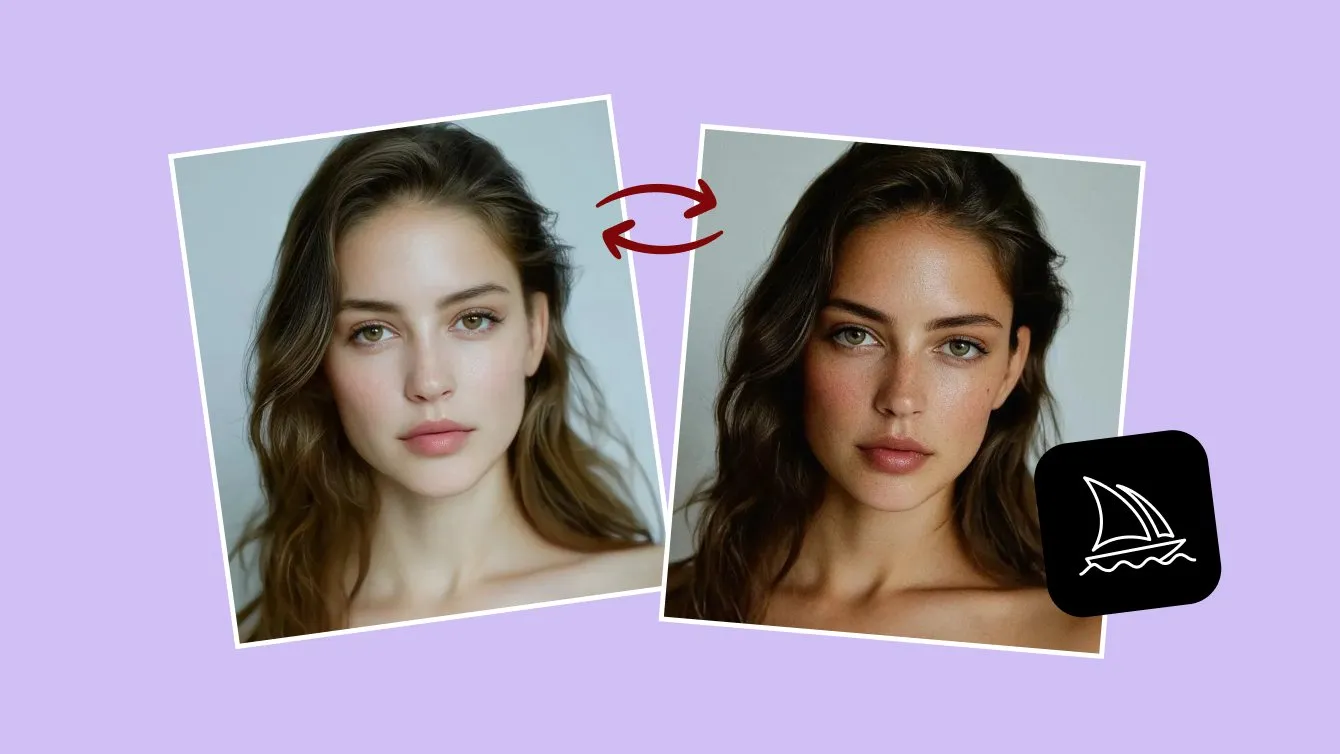
You've seen them on social media: AI images so real you had to double-check the caption. Then you open Midjourney, type "photorealistic portrait of a woman," and get something that looks like a video game cutscene — waxy skin, dead eyes, lighting from nowhere.
Here's the uncomfortable truth: the word "photorealistic" is one of the weakest words you can put in a Midjourney prompt. Realism doesn't come from asking for realism. It comes from describing a photograph the way a photographer would — camera, lens, light, film, imperfection.
This guide breaks down exactly how to do that. You'll get a repeatable prompt formula, the parameters that actually matter, and more than 20 copy-paste prompts for portraits, products, food, and interiors. The principles carry over to Flux, Seedream, and other image models too.
What Makes an Image Look Photorealistic?
Your eye runs five checks — usually in under a second — when deciding whether an image is a photo:
- Light behaves physically. Shadows fall in one consistent direction, highlights bloom where light hits glass or skin.
- There's a real depth of field. Actual lenses have a plane of focus; backgrounds blur in a specific, optical way.
- Texture survives. Skin has pores, fabric has weave, metal has micro-scratches. AI images fail most often here.
- Imperfection exists. Slight grain, a stray hair, uneven skin tone. Flawless surfaces scream "rendered."
- The framing is plausible. Real photos are shot at human-usable focal lengths and angles.
Every technique below targets one of those five signals.
The Photorealistic Prompt Formula
Strong photorealistic prompts follow a consistent structure:
[Shot type] + [Subject with specific details] + [Environment] + [Lighting] + [Camera/lens] + [Film reference] + [Parameters]
Here it is in action:
Candid street portrait of an elderly fisherman with weathered skin and a gray beard, mending a net on a wooden dock at dawn, soft golden hour light, shot on a Canon EOS R5 with an 85mm f/1.4 lens, shallow depth of field, Kodak Portra 400 film look --ar 4:5 --style raw
Compare that with "photorealistic old fisherman, 8k, ultra detailed" — the difference in output is night and day. The first prompt gives Midjourney a photograph to reconstruct; the second gives it adjectives to decorate.
One thing to drop right away: "8k," "ultra HD," "hyperdetailed," and "masterpiece" don't help modern Midjourney versions. They were community superstitions from earlier models, and today they mostly push results toward the over-processed digital art look you're trying to escape.
The Parameters That Actually Matter
Five switches at the end of your prompt do most of the work:
--style raw— reduces Midjourney's built-in beautification. Non-negotiable for photorealism: default mode applies a glossy, slightly illustrated filter, and raw mode follows your wording more literally.--stylize(--s) — how strongly Midjourney applies its own aesthetic (0–1000). Keep it at 0–100 for documentary realism.--ar— aspect ratio. Match photography conventions: 4:5 or 3:4 for portraits, 3:2 or 16:9 for scenes, 1:1 for products.--chaos— variety across the 4-image grid. Keep it at 0–15; high values drift into stylization.--v— model version. Use the latest available.
Camera and Lens Language That Works
You don't need to be a photographer to use photographer vocabulary. Each phrase nudges the model toward a physically grounded look:
- "Shot on [camera name]" — e.g. shot on Sony A7 IV. The exact brand matters less than the signal: this is a photograph, not a render.
- "85mm f/1.4" — the classic portrait lens: flattering compression and creamy background blur.
- "35mm f/2" — environmental and street photography; keeps more context in frame.
- "100mm macro" — extreme close-ups of food, products, and textures.
- "Shallow depth of field" — sharp subject, blurred background. The single most recognizable real-camera cue.
- "Shot on iPhone" — surprisingly powerful: it pulls in the casual, slightly imperfect look of everyday photography, which reads as more authentic than studio perfection.
Film stock references are another shortcut. Kodak Portra 400 gives warm, natural skin tones; Fujifilm Pro 400H leans soft and pastel; Ilford HP5 signals classic black-and-white grain. One film reference per prompt is plenty.
Lighting: The #1 Realism Multiplier
If you change only one thing about your prompts, change how you describe light. Generic prompts get generic, sourceless lighting — and sourceless lighting is the fastest way to look fake.
Natural light:
- Golden hour light — warm, low-angle, universally flattering
- Overcast soft light — even and diffuse; great for honest skin texture
- Window light from the left — directional light creates believable shadows
- Harsh midday sun — strong shadows; perfect for gritty documentary looks
Artificial light:
- Softbox studio lighting — clean commercial and product photography
- Neon signs reflecting on wet pavement — the night-city look
- Practical lamps in frame — interiors that feel lived-in rather than staged
Always give light a direction or a source. "Beautiful lighting" tells the model nothing. "Late afternoon sun through venetian blinds casting striped shadows" tells it everything — and the shadows will actually obey it.
20+ Copy-Paste Photorealistic Prompts
Use these as-is or swap the subjects. All of them assume --style raw at the end.
Portraits
Close-up portrait of a freckled red-haired woman in a mustard sweater, looking slightly past the camera, soft window light from the right, shot on 85mm f/1.4, shallow depth of field, Kodak Portra 400 --ar 4:5 --style raw
Candid black-and-white portrait of a jazz musician mid-laugh backstage, harsh single spotlight, visible film grain, Ilford HP5, 50mm lens --ar 3:4 --style raw
Environmental portrait of a ceramic artist in her cluttered studio, hands covered in clay, overcast light through large industrial windows, 35mm f/2, muted colors --ar 3:2 --style raw
Casual selfie-style photo of a young man with a golden retriever on a hiking trail, slightly overexposed sky, shot on iPhone, natural skin texture --ar 4:5 --style raw
Product photography
Minimalist product photo of a matte black wireless earbuds case on a concrete pedestal, soft gradient background, single softbox from above, subtle reflection, 100mm macro lens --ar 1:1 --style raw
Amber glass skincare bottle on wet river stones, morning mist, soft diffused daylight, water droplets on glass, commercial photography --ar 4:5 --style raw
A running shoe suspended mid-air with dust particles frozen in motion, dark studio background, dramatic rim lighting, high-speed flash photography --ar 4:5 --style raw
Food
Rustic sourdough loaf torn open on a linen cloth, steam rising, flour dust, dark moody window light, shallow depth of field, 100mm macro --ar 4:5 --style raw
Close-up of an espresso being poured into a glass cup, crema swirling, café window light, bokeh background of a busy counter --ar 4:5 --style raw
Interiors and street
Scandinavian living room with a boucle armchair and oak floors, late afternoon sun casting long shadows through sheer curtains, shot on 24mm tilt-shift lens, architectural photography --ar 3:2 --style raw
Rainy Tokyo street at night, salaryman with a transparent umbrella, neon reflections on wet asphalt, motion blur of passing taxi, 35mm f/1.4, cinematic but candid --ar 3:2 --style raw
Kids playing soccer in a dusty alley in Havana, harsh midday sun, faded pastel walls, shot on Kodak Gold 200, slight vignette --ar 3:2 --style raw
A red fox pausing on a frost-covered meadow at dawn, backlit breath vapor, telephoto 400mm compression, wildlife photography --ar 3:2 --style raw
Want more where these came from? Browse the portrait prompts, product photo prompts, and food photography prompts on mypromt — every card shows the before/after result, so you see exactly what a prompt produces before you copy it.
Common Mistakes That Ruin Realism
- Stacking quality words. "Photorealistic ultra-realistic hyperdetailed 8k" actively fights realism. One structured sentence beats ten adjectives.
- No light source. If you didn't say where light comes from, the model invents flat, even illumination — the signature AI look.
- Forgetting `--style raw`. If your skin tones look airbrushed, this is usually why.
- Perfect subjects. Ask for a "stunning flawless model" and you get an uncanny mannequin. Ask for "natural skin texture, candid expression" and you get a person.
- Overloading one prompt. Two subjects, three lighting styles, and four moods in one prompt produce mush. One idea per image.
Pro Tips From Heavy Users
- Iterate with Vary (Subtle). When a result is 90% there, don't reroll from scratch — fix the remaining 10% while keeping the composition.
- Describe the moment, not the pose. "Caught mid-laugh reaching for her coffee" produces more natural body language than "smiling woman sitting at table."
- Use negative space deliberately. Real commercial photos leave room for text and cropping: add "generous negative space, off-center composition" for marketing assets.
- Name the photography genre. "Editorial fashion photography," "wildlife photography," "architectural photography" — each carries decades of visual conventions the model has learned.
- Study prompts that already work. Reverse-engineering good results teaches prompt patterns faster than trial and error — the style and portrait collections are a good place to start.
FAQ
How do I make Midjourney images look more realistic?
Describe a real photograph instead of asking for realism: specify the camera, lens, lighting direction, and film stock, add --style raw, and lower --stylize to 100 or below.
What does --style raw do?
It reduces Midjourney's default aesthetic processing, so the output follows your prompt more literally. It's the single most important parameter for photographic results.
Why do Midjourney faces look waxy?
Usually default stylization plus "beauty" keywords. Use --style raw, ask for "natural skin texture," avoid words like "flawless," and describe candid moments rather than posed perfection.
Do camera names like "shot on Canon R5" actually work?
Yes — not because Midjourney simulates that exact camera, but because camera language shifts the output toward the photography portion of its training data. Lens and aperture terms have an even stronger effect.
Can I use these techniques in other AI image generators?
Mostly, yes. Camera language, lighting direction, and film references improve realism in Flux, Seedream, GPT Image, and Nano Banana too, though parameter syntax like --style raw is Midjourney-specific.
Are photorealistic AI images allowed for commercial use?
Midjourney's paid plans grant commercial usage rights to images you generate, but rules change and edge cases exist (trademarks, real people's likenesses). Check Midjourney's current terms before commercial projects.
The Takeaway
Photorealism in Midjourney isn't a magic keyword — it's a way of writing. Describe a photograph the way a photographer would take it: a specific subject in a specific light, through a specific lens, with room for imperfection. Add --style raw, keep stylization low, and give every image one clear idea. Within a dozen generations your images will stop looking generated and start looking shot.
Using These Prompts in ChatGPT and Gemini
The camera, lighting, and material language above is not Midjourney-specific — it is photography vocabulary, and every modern image model responds to it. Only the syntax around it changes.
- Drop the parameters.
--ar 3:2,--style raw,--v 7are Midjourney-only. In ChatGPT and Gemini you ask for the aspect ratio in words: "a 3:2 horizontal frame." - Write in full sentences. Midjourney rewards comma-separated keyword stacks. ChatGPT and Gemini (Nano Banana) reward instructions written like a brief to a photographer.
- Say what to keep. When you edit an existing photo rather than generate one, name what must not change — "keep the face, pose, and clothing exactly as they are, change only the lighting." This is the single biggest quality jump in Gemini image editing.
- Iterate in the chat. Both models keep context, so "same shot, but move the key light to the right" works. Midjourney has no memory between jobs.
Every prompt in the mypromt library is written and tested for ChatGPT and Gemini this way, with a before/after slider on each card so you can see the result before you copy anything. Good places to start:
- Portrait prompts — retouching, style transfers, and editorial looks
- Poster prompts — turn a photo into a print-ready poster
- Product prompts — clean studio shots from a phone photo