 BeforeAfter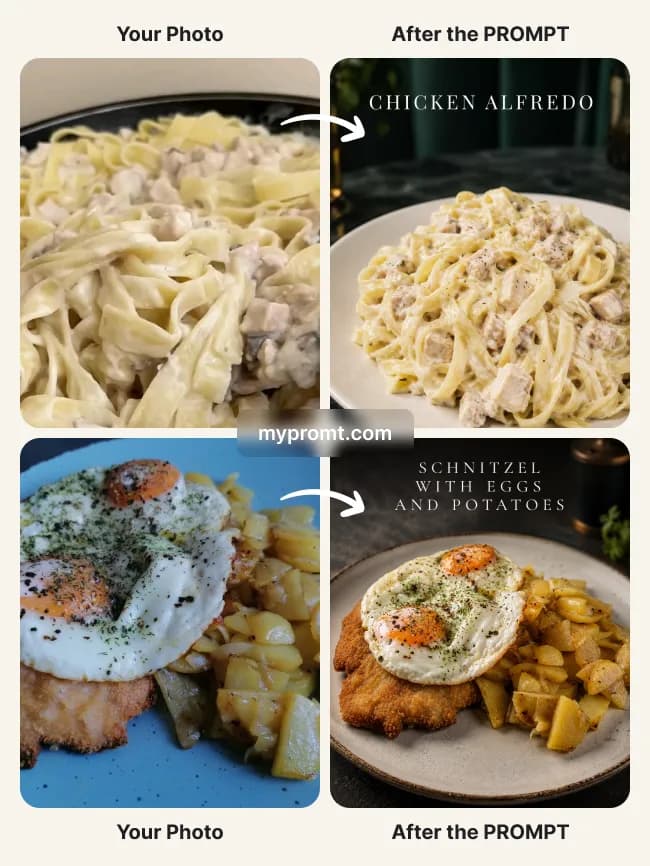
Food & menu photosFree
Dark restaurant menu photo with dish title
17
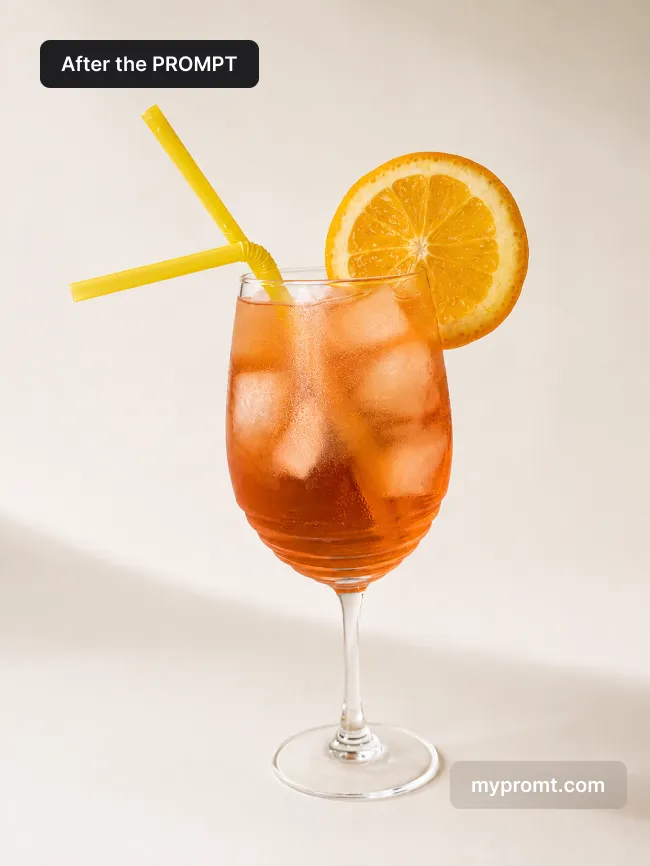
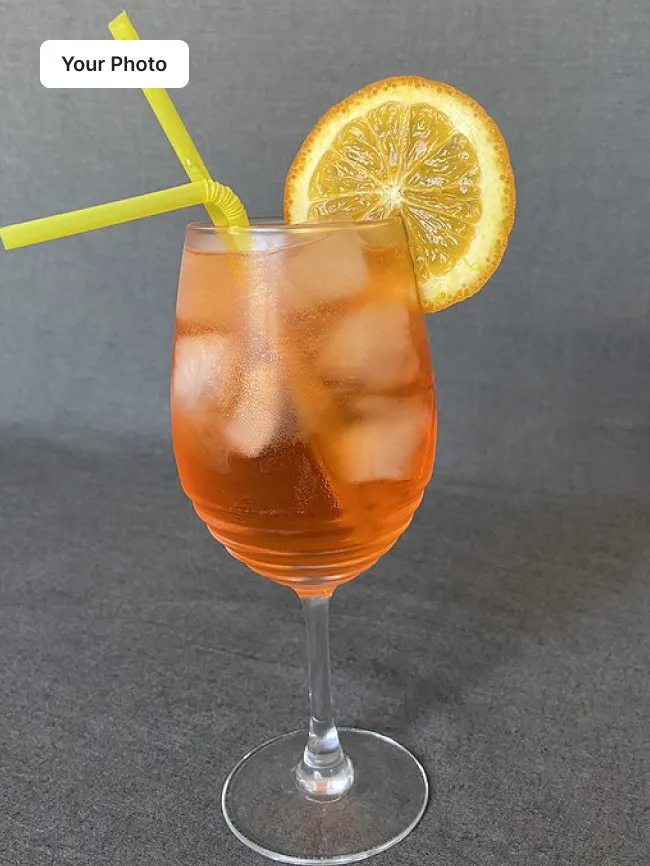
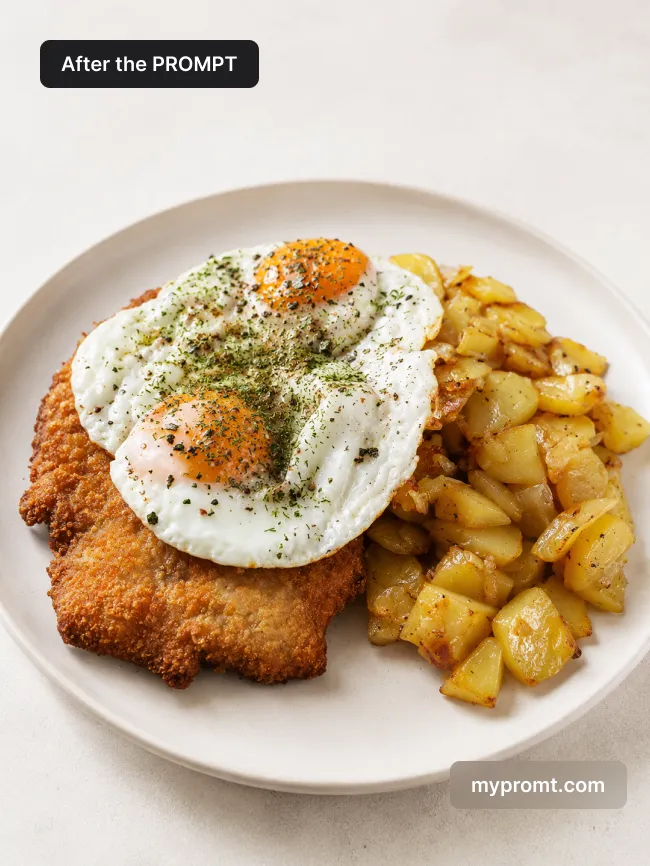
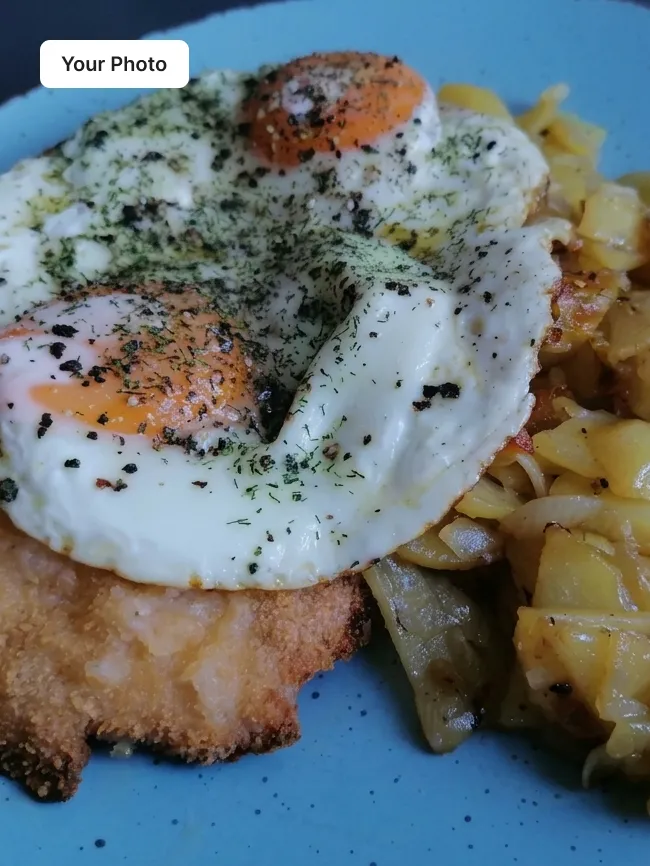
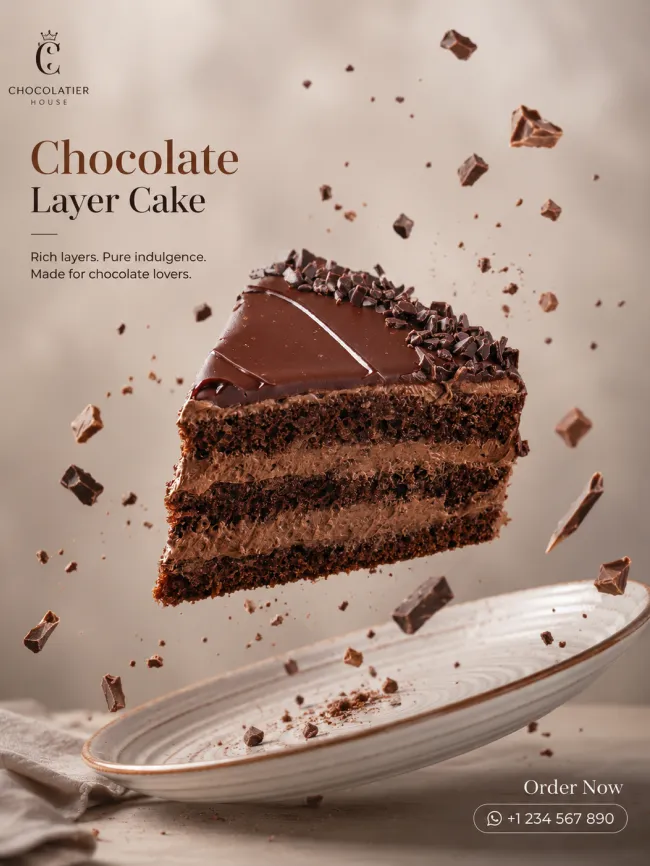
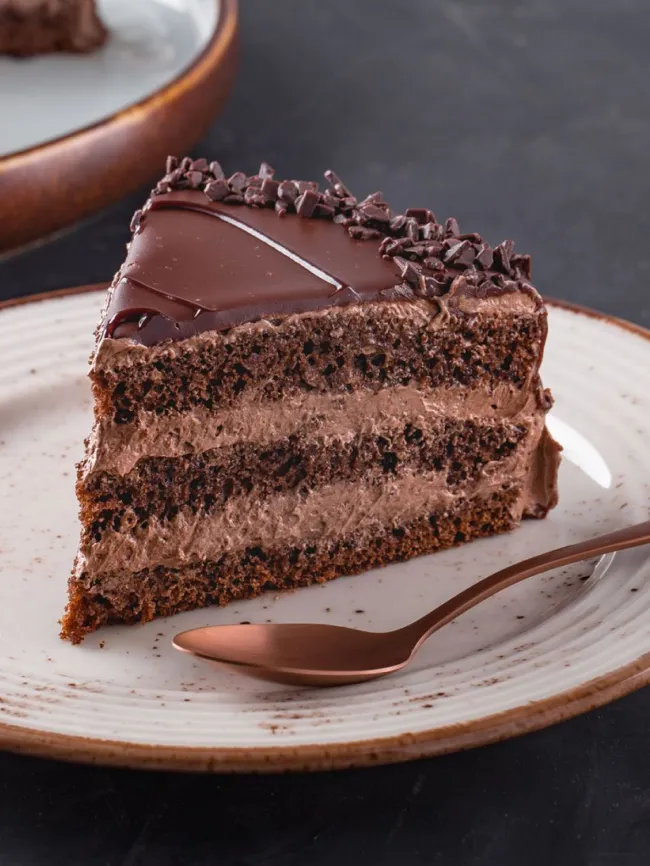
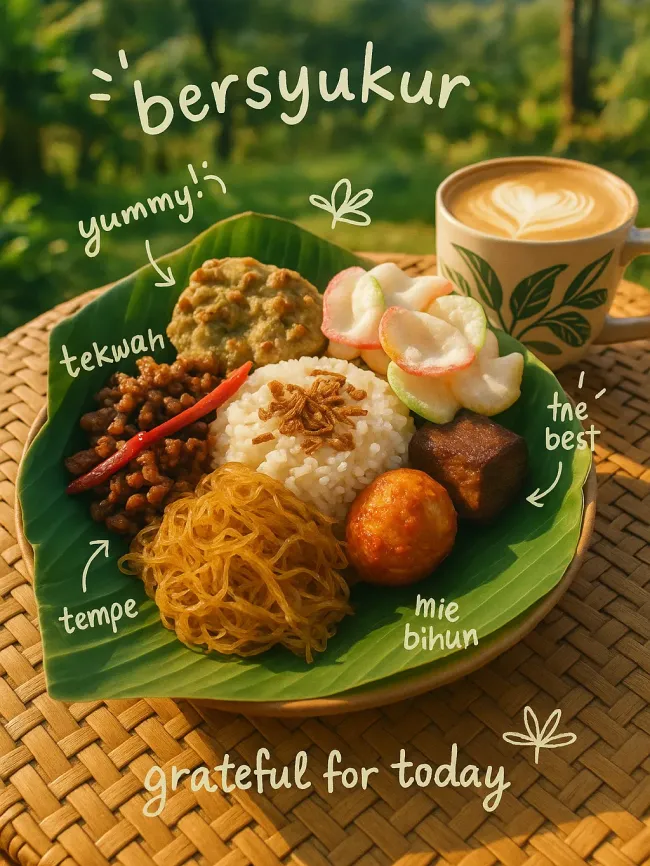
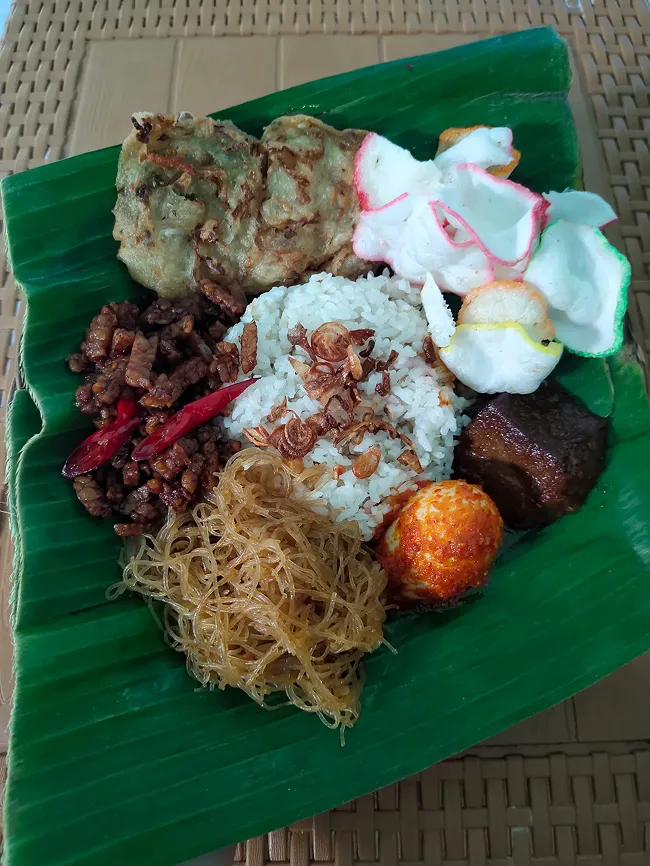
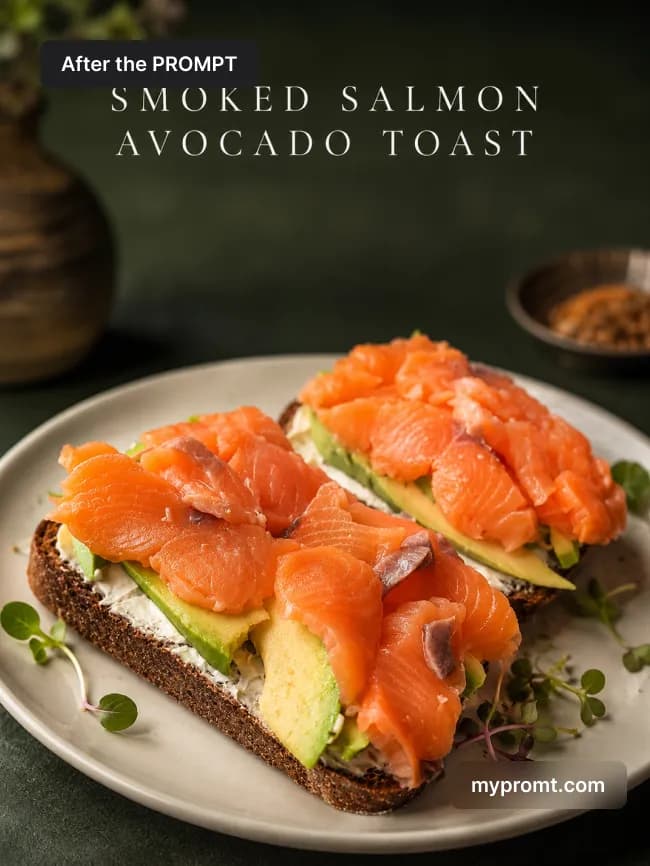
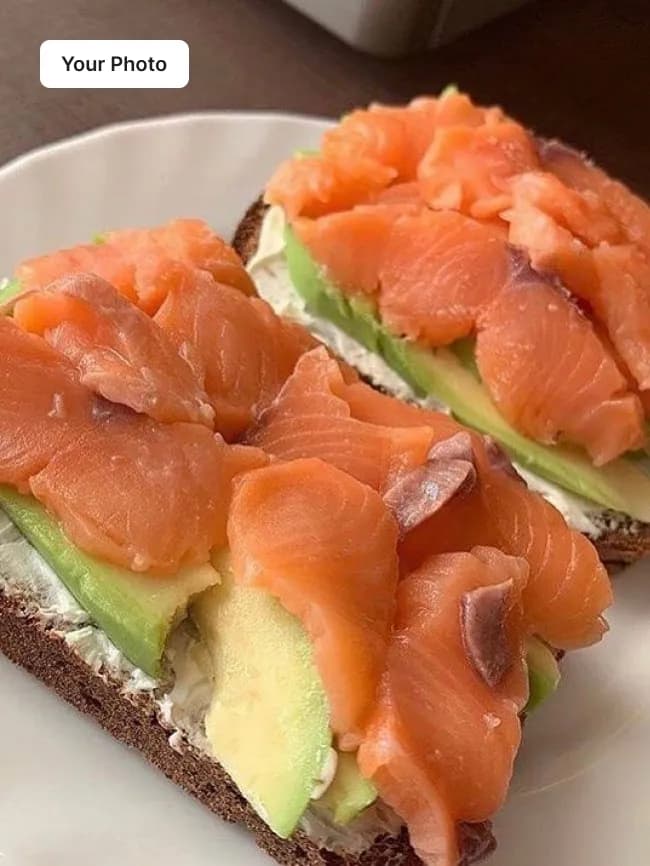
Turns a casual phone snapshot of any dish into a moody editorial menu shot: white ceramic plate, deep charcoal-green restaurant background, cinematic side light — with the dish name set across the top in elegant high-contrast serif. The model recognises the dish itself, so the title writes itself.
How to use
Copy the prompt
Press “Copy prompt” above to copy the full text.
Open your AI and add a photo
Open ChatGPT, Gemini or any image AI you like, start a new chat and attach the photo you want to transform.
Comments 0
Log in to join the discussion.
- No comments yet — be the first to share how it worked.