 BeforeAfter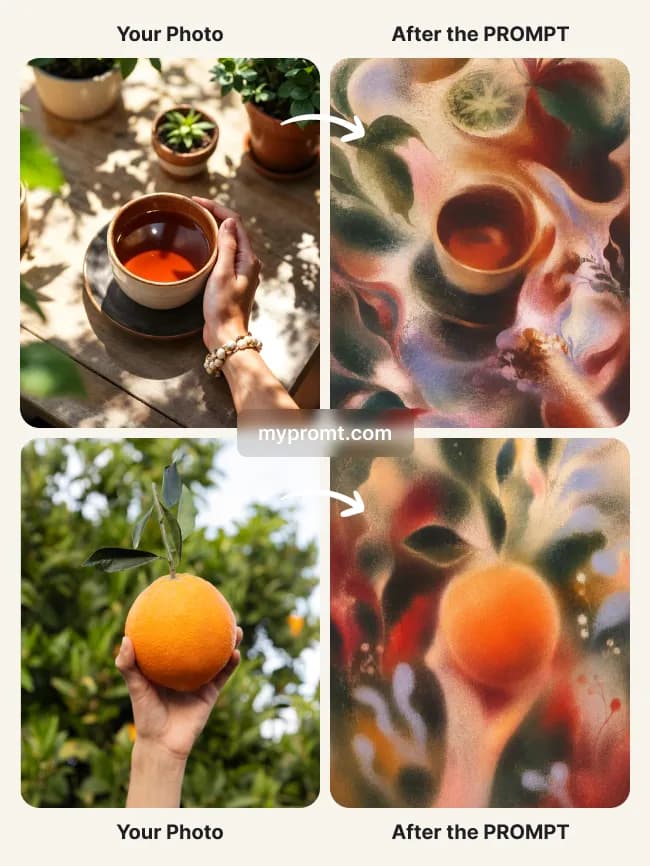
Photo effectsPremium
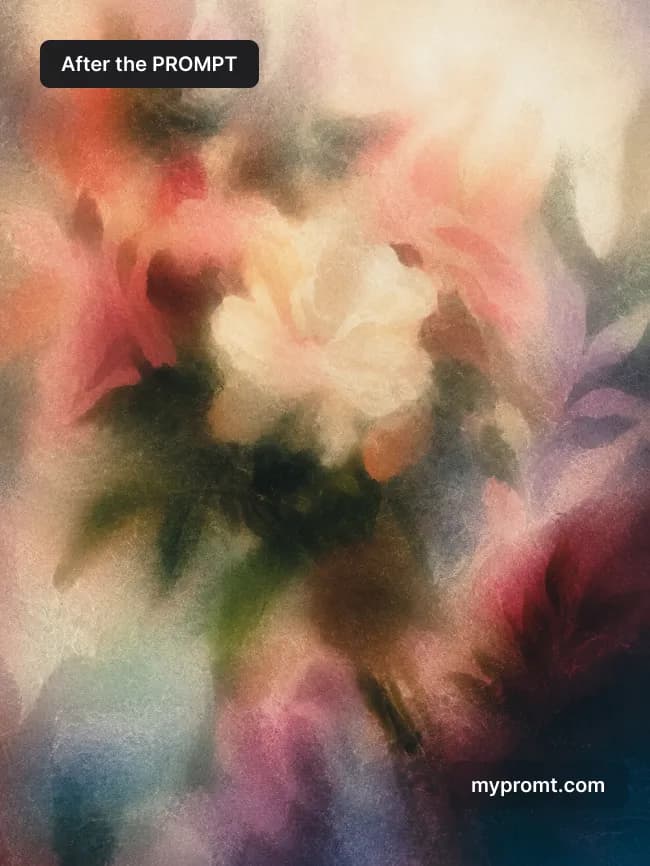
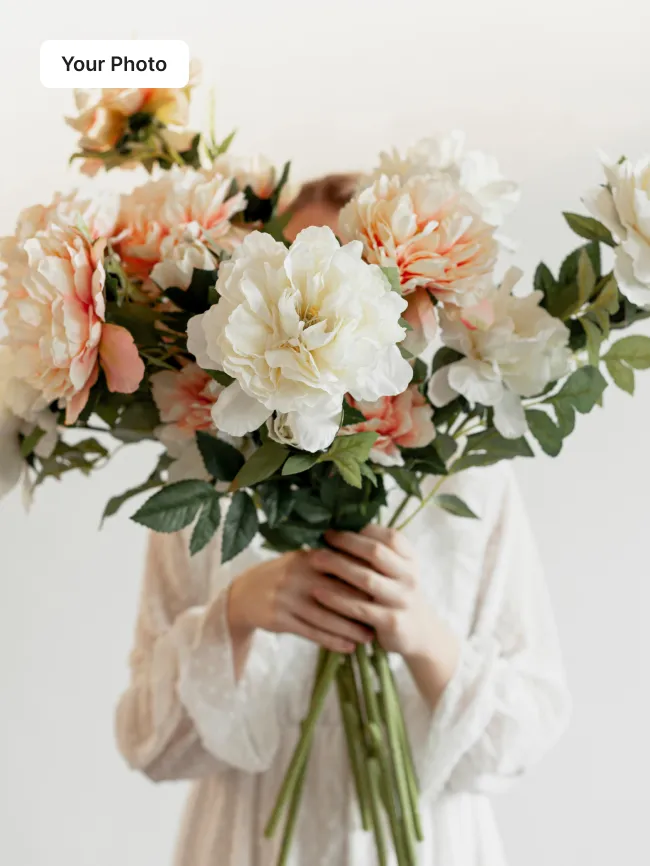
Grainy airbrush abstract from any photo
145
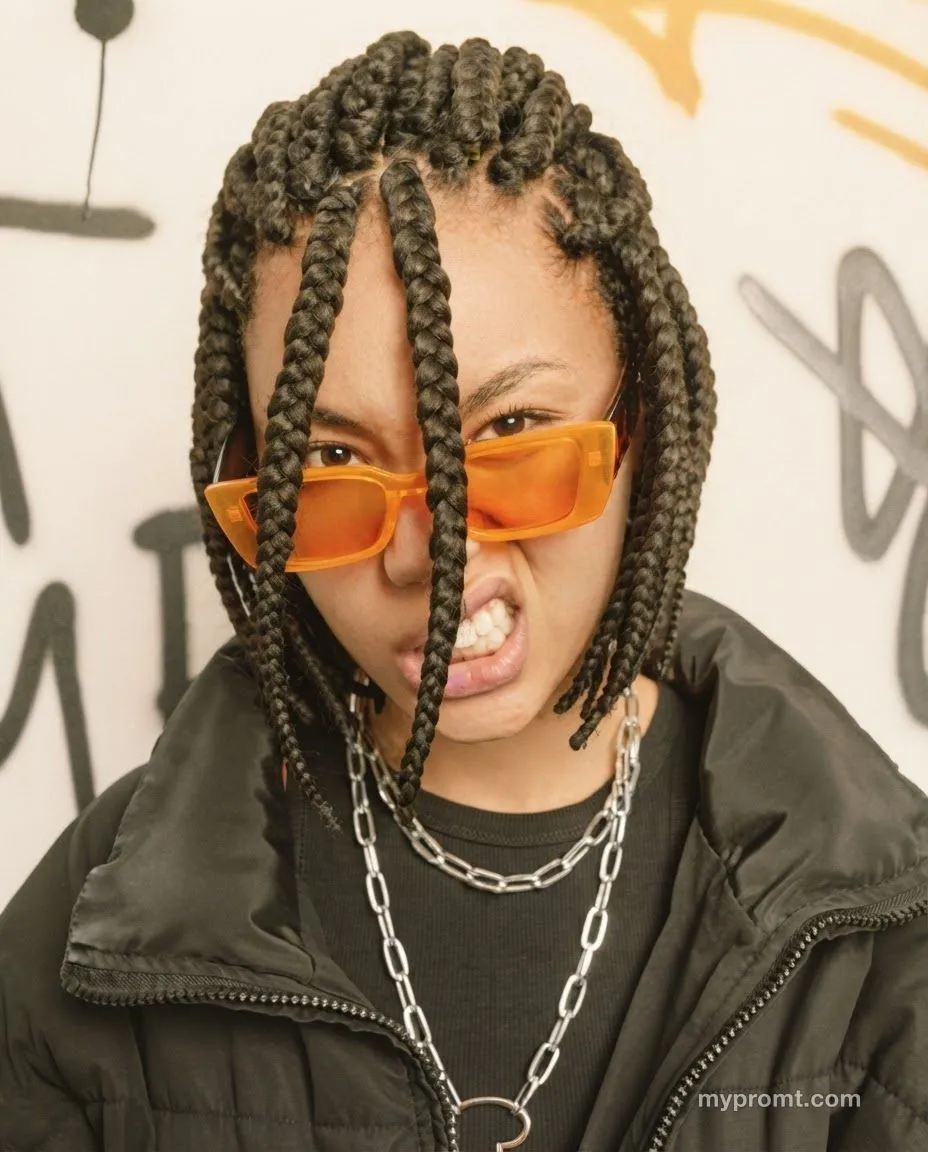
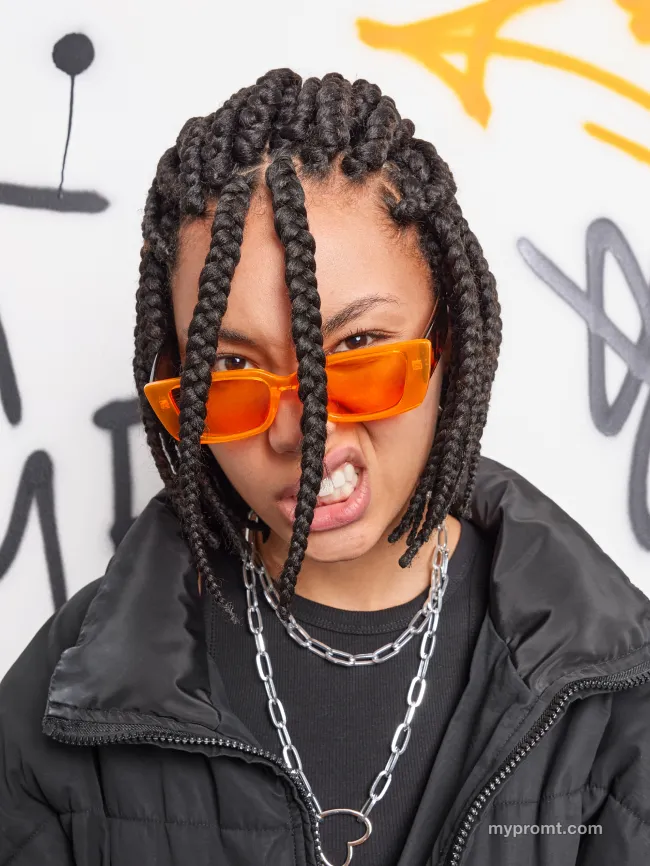
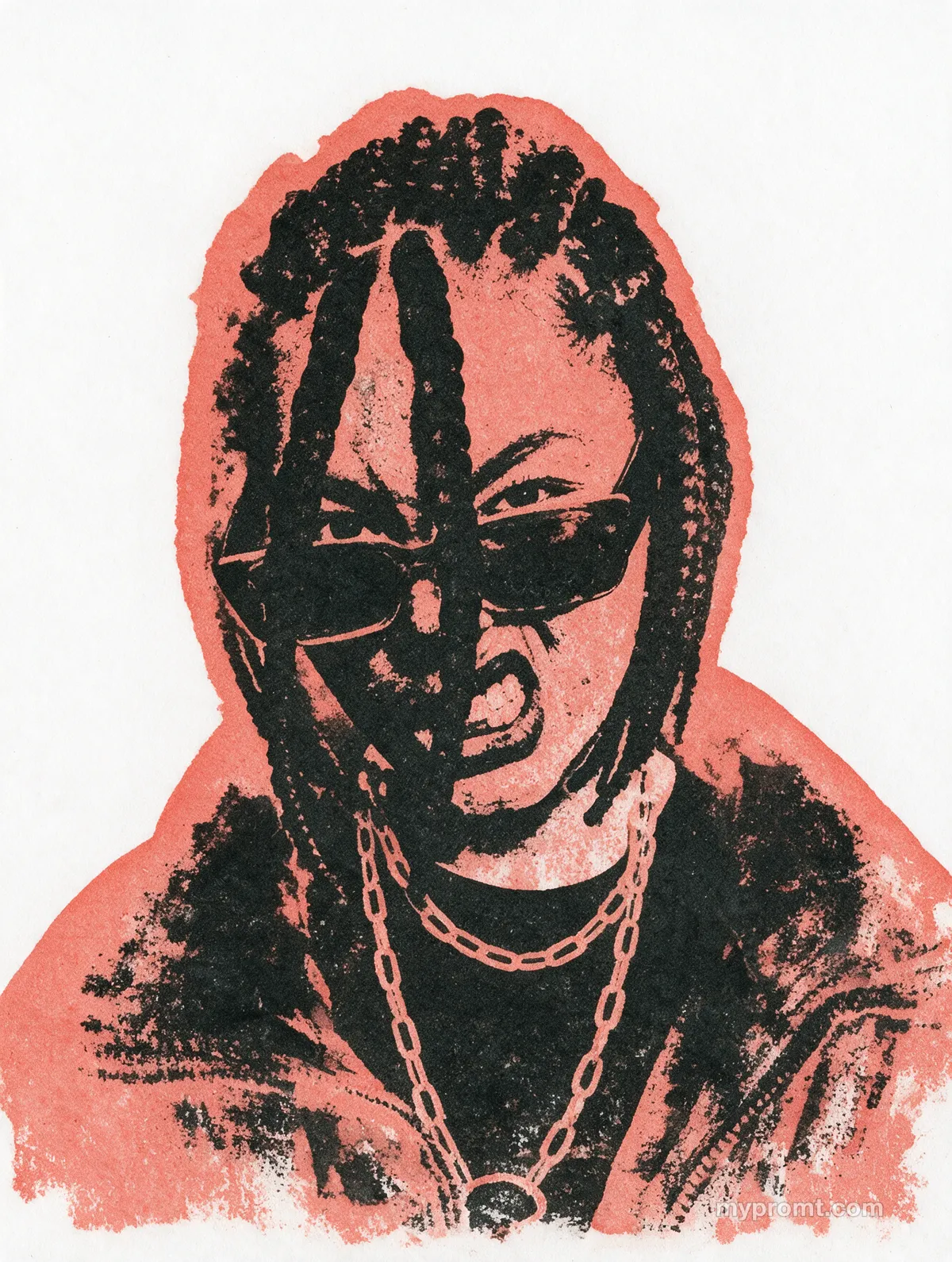
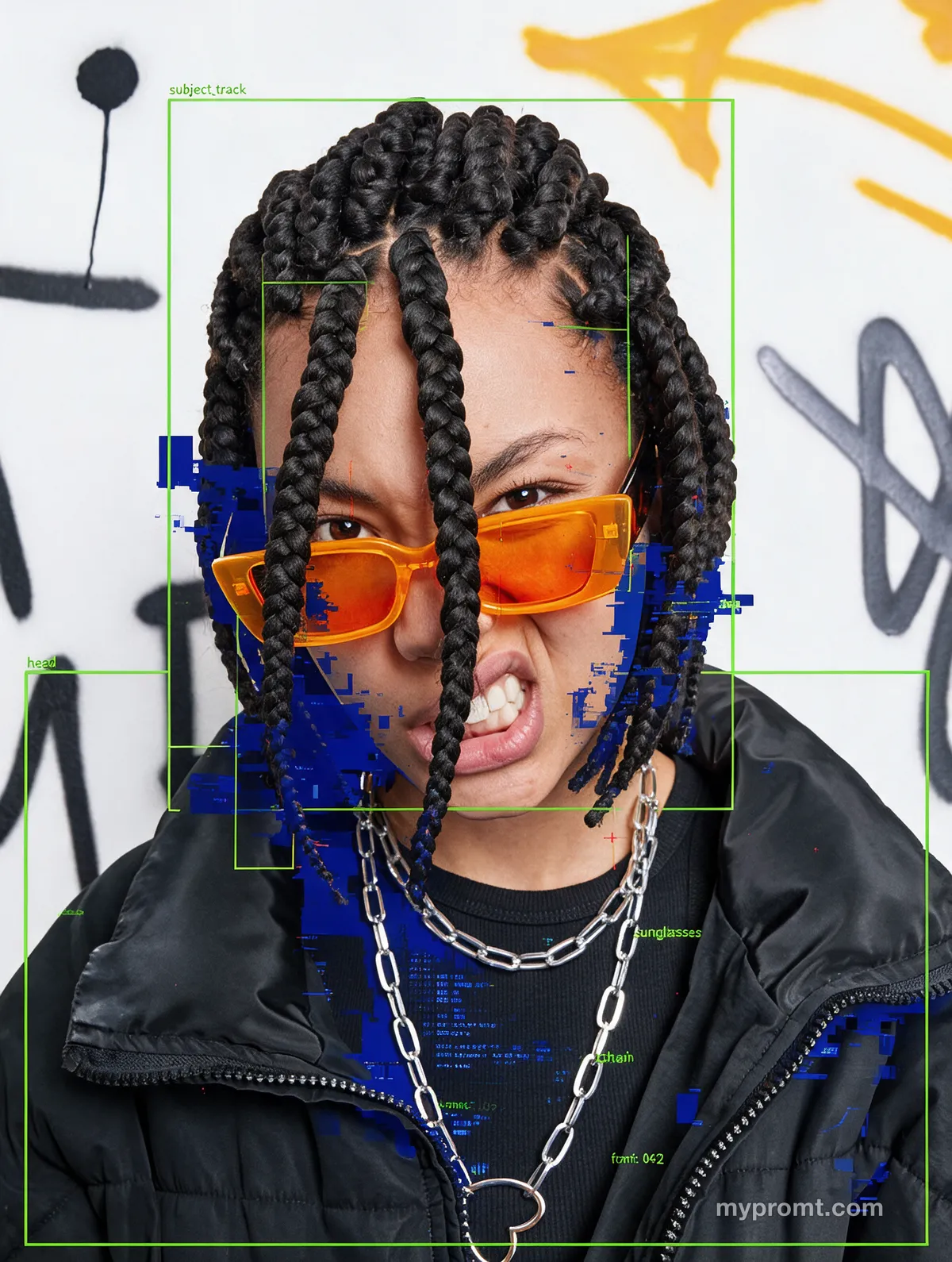
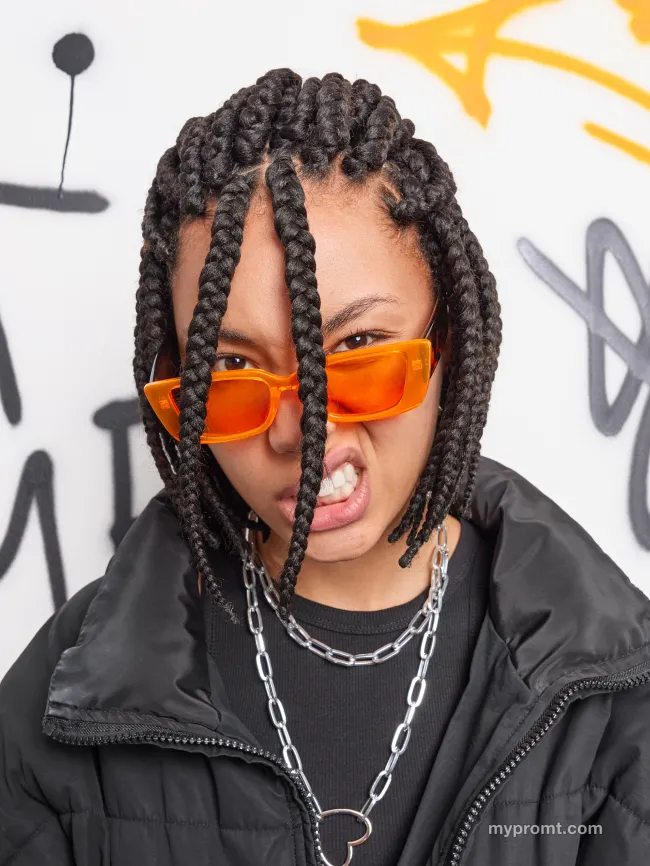
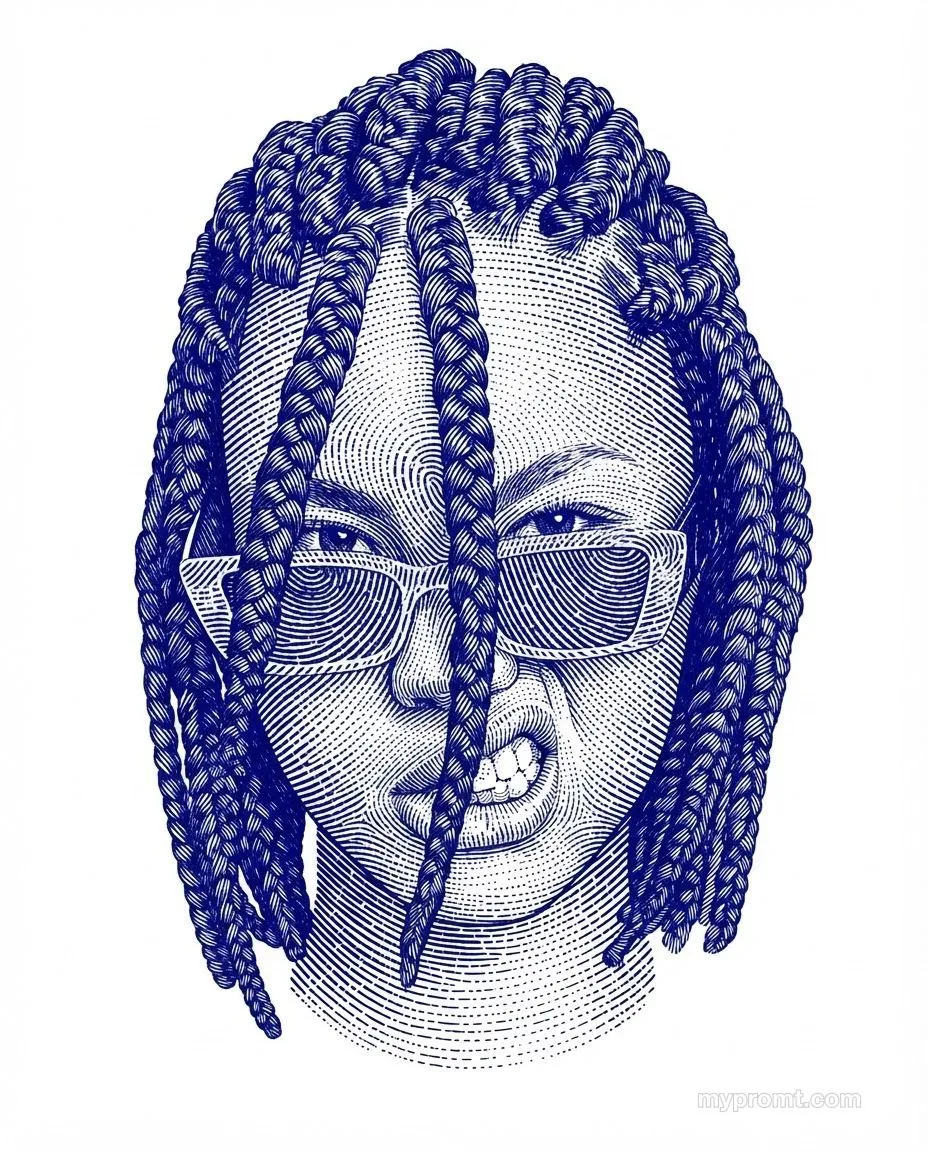
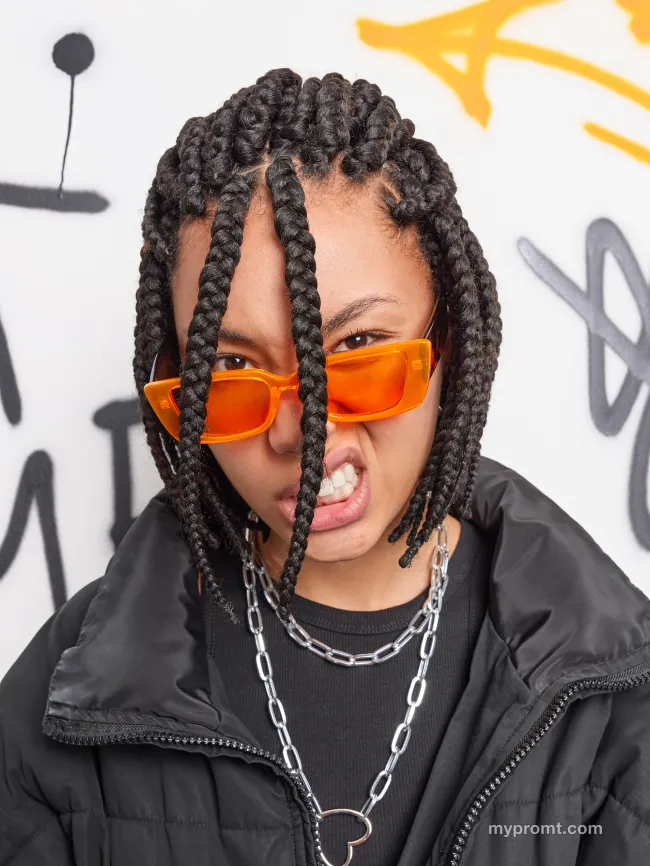
Dissolves any photo into an experimental airbrush abstraction: flowing organic silhouettes, feathered edges and translucent colour fields bleeding into each other, all over heavy analogue grain. Retro palette of dark red, green and brown against dusty pink, lavender and ivory.
The full prompt text unlocks with All-Access and stays in your account. Secure checkout via Whop — card, Apple Pay, and Google Pay.
How to use
Unlock the prompt
Get All-Access to reveal the full text, then copy it with one click.
Open your AI and add a photo
Open ChatGPT, Gemini or any image AI you like, start a new chat and attach the photo you want to transform.
Comments 0
Log in to join the discussion.
- No comments yet — be the first to share how it worked.