 BeforeAfter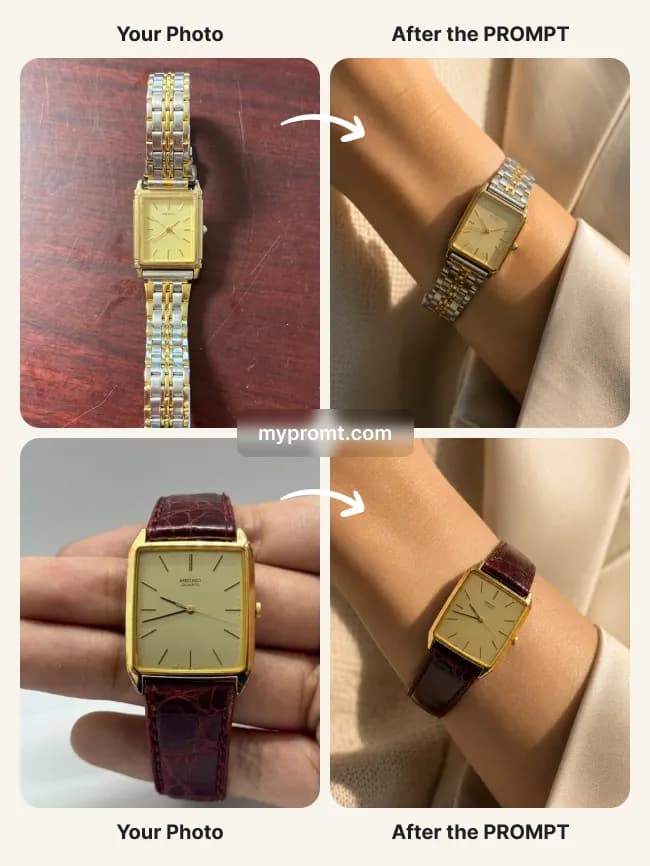
Product photosFree
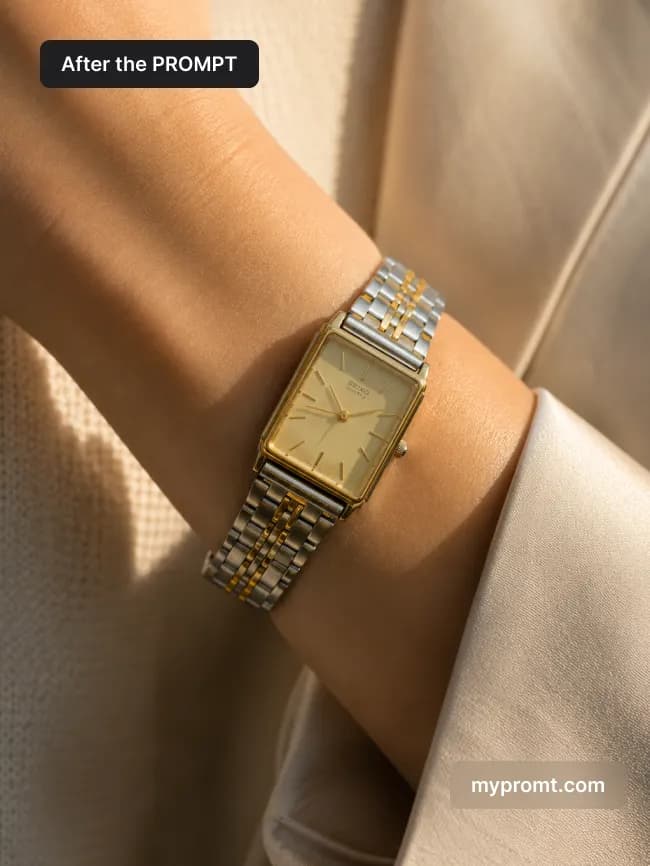
Luxury watch wrist campaign shot
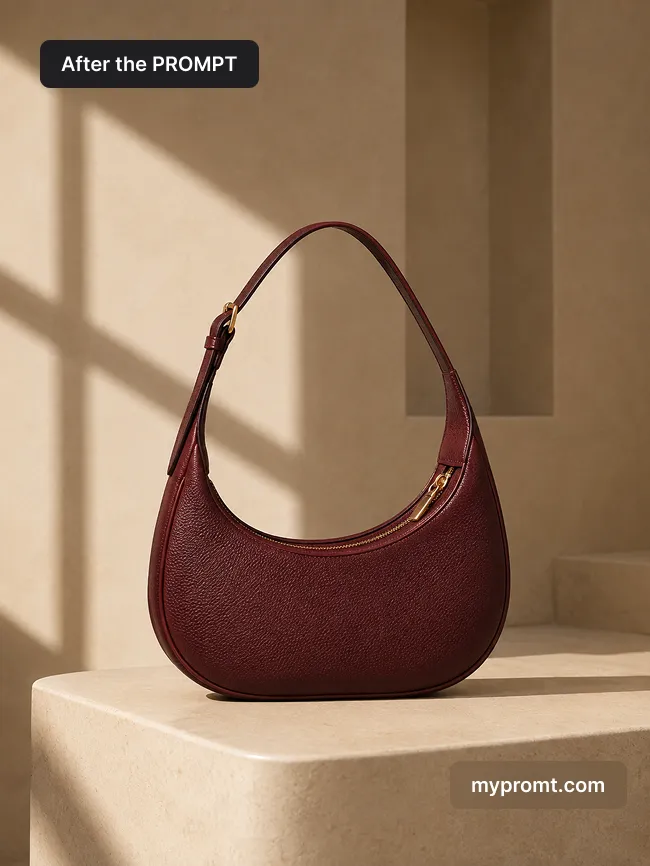
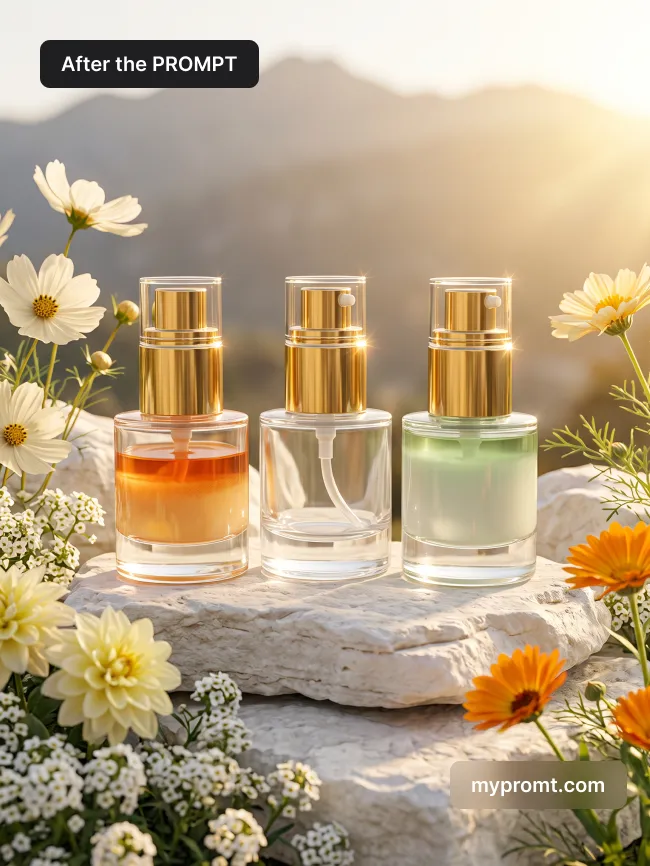
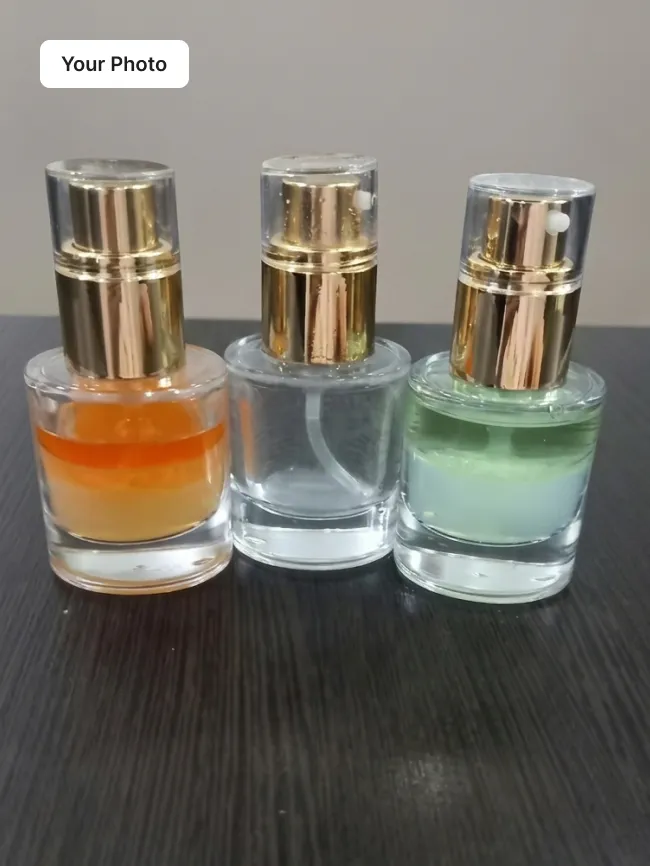
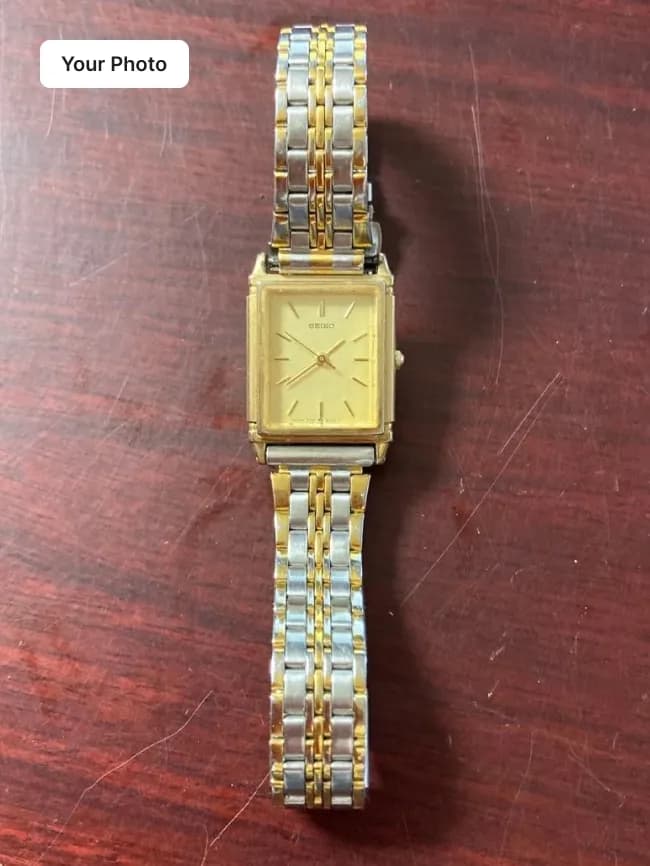
Puts your watch on a wrist for a warm editorial campaign: ivory satin blazer, soft golden morning light, brushed steel and polished gold reflections, creamy blurred background. Dial, bezel, bracelet and branding are reproduced exactly from your photo.
How to use
Copy the prompt
Press “Copy prompt” above to copy the full text.
Open your AI and add a photo
Open ChatGPT, Gemini or any image AI you like, start a new chat and attach the photo you want to transform.
Paste and send
Paste the prompt under your photo and send it. Your result is ready in seconds. Not quite right? Send it again.
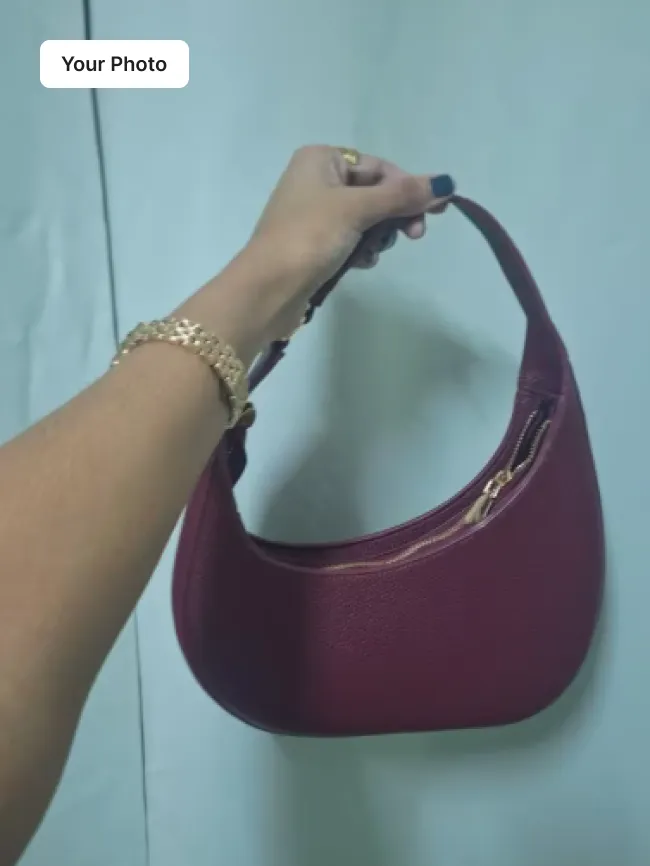
Tip for this prompt: 1. Open any AI image model that accepts a reference photo — Gemini (Nano Banana), ChatGPT or similar. 2. Upload your own photo of the product. 3. Copy this prompt, paste it next to the image and run it — the finished shot comes back ready to publish. Your product stays exactly as photographed: the prompt only builds the scene, lighting and styling around it. Best results come from a sharp photo with the whole product in frame and the label readable.
Comments 0
Log in to join the discussion.
- No comments yet — be the first to share how it worked.