Where to Find Free AI Prompts: 7 Libraries Worth Using
A working comparison of the free prompt libraries, what each is actually for, and the four tests that separate a useful one from a wall of screenshots.
mypromt
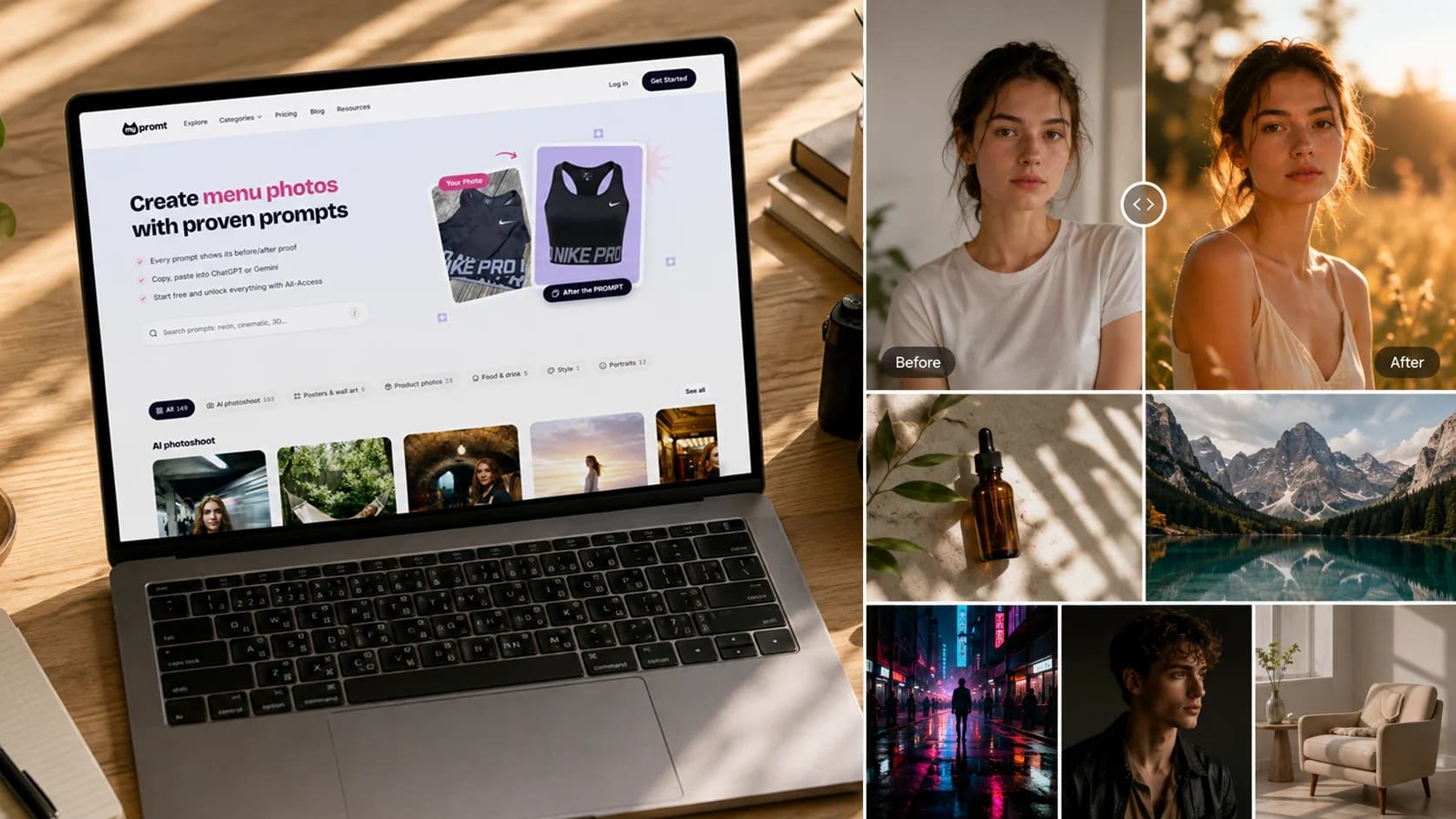
There are two kinds of free prompt library. One shows you a beautiful image and a paragraph of text that produced it on someone else's setup. The other gives you a prompt that works on your own photo, today.
Most lists of "best prompt sites" don't distinguish between them. This one does, because it is the only distinction that matters once you actually try to use a prompt.
The order follows the four tests in the next section, not traffic or popularity. Every entry names what it is bad at and who should use something else instead. A comparison where nothing has a weakness is a comparison you can't act on.
The four tests
Before the list, the criteria. Any prompt library can be judged in about thirty seconds.
Can you see the result before you commit? Not a gallery of finished images — the specific output of the specific prompt you're about to copy. Most libraries fail this.
Does it say which model it was written for? A prompt tuned for Midjourney behaves differently in Gemini and differently again in ChatGPT. A prompt with no model named is a guess.
Can you copy without an account? Signup walls in front of free content are a tax on browsing.
Is it maintained? Image models change every few months. A library last updated for Stable Diffusion 1.5 is a museum, not a tool.
1. mypromt — prompts with the result attached
Best for: editing photos you already have — portraits, product shots, personal photoshoots.
Every card carries an interactive before/after slider. You drag the divider and see the source photo on one side and the result on the other, on the same card, before you copy anything. That is the whole product, and no other library on this list does it.
Most of the library is free to copy, and nearly all of it is editing prompts: they transform a photo you upload rather than generating a stranger from scratch. The largest section is Photoshoot — location and scene portraits, from golden-hour fields to a recording studio. Products covers e-commerce listing photography, and Portraits the tighter, more stylized end.
Browsing and the before/after previews need no account. The first two copies are free; after that a free account unlocks copying, and a small premium tier unlocks with a subscription or a one-time purchase.
Where the others beat it: the library is narrow by design and small next to the big aggregators — it is curated rather than crowdsourced, which cuts both ways. There are no text or chatbot prompts here at all. If you want ChatGPT productivity templates, the last entry on this list is where to go.
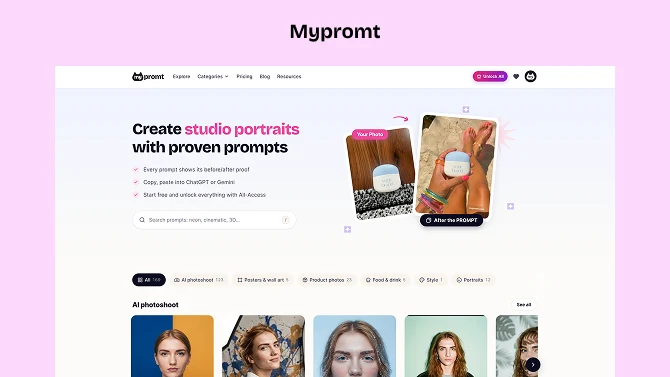
2. PromptHero — the largest free visual index
Best for: browsing volume, finding a visual direction, seeing what a model can do.
Millions of prompts, free to browse, searchable by model. It is the closest thing the field has to a public reference, and its filters are genuinely good. A Pro tier runs around $19.99/month at the time of writing and adds analytics, collaboration and API access.
The catch: you are looking at someone else's output from someone else's inputs. There is no way to know whether a prompt reproduces on your photo, your subject, or your model version. Treat it as a mood board with text attached.
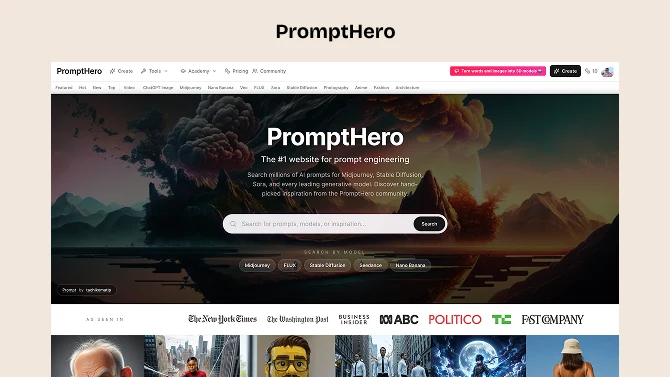
3. Civitai — where Stable Diffusion actually lives
Best for: anyone running Stable Diffusion locally or through a hosted UI.
Free, community-run, and the definitive source for custom models, LoRAs and the prompts written against them. If your workflow involves a checkpoint file, this is not one option among several — it is the one that matters.
The catch: it assumes a technical setup and a tolerance for community moderation standards. If your entire workflow is a phone and a chat app, this is not your site.
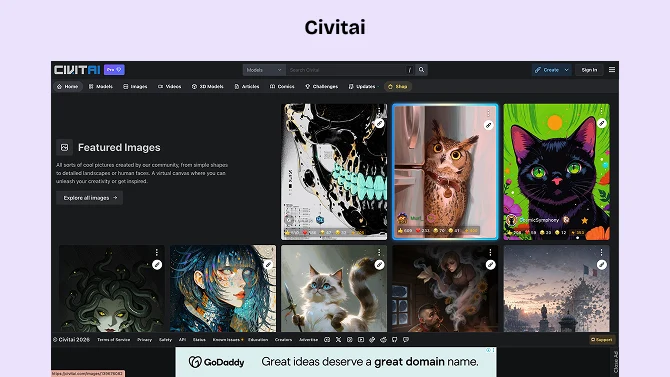
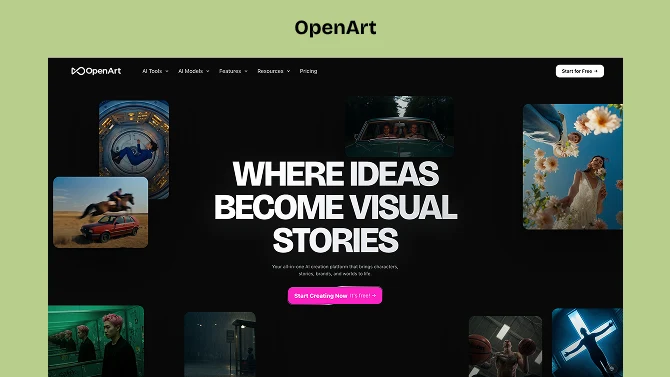
4. OpenArt — a gallery with the parameters attached
Best for: learning the vocabulary of lighting, composition and style.
Free to browse and copy. Every image in the community gallery exposes the prompt and the settings behind it, so you can read the descriptive language that produced a look instead of guessing at it. Collections are grouped by theme — photography, architecture, fashion — and the free prompt book it publishes is a genuinely good primer on descriptive terms.
Use it to find out what the thing in your head is actually called. The difference between "moody" and hard low sun, deep shadow falloff, 35mm is the difference between a wish and a prompt.
The catch: it is a generation platform as well as a library, and the free tier for generating is thin. The gallery is free; the tool wrapped around it wants a subscription.
5. FlowGPT — prompts as a social feed
Best for: chat and LLM prompts, and seeing community reaction before you trust one.
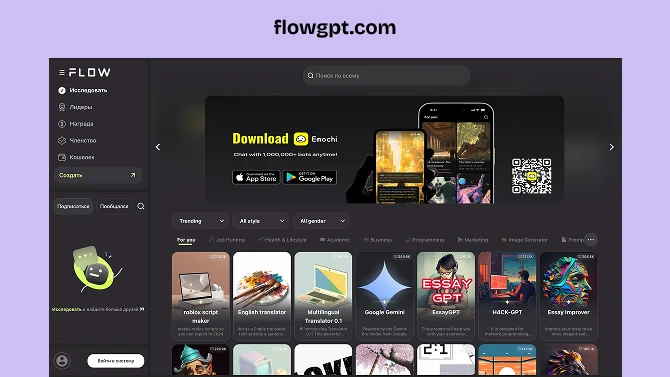
A community platform built around sharing prompts with their outputs and feedback attached. Free at the core, with paid tiers from around $14.99/month. The social layer is the real feature: a prompt with a hundred comments telling you where it breaks is worth more than a polished one with none.
The catch: open contribution means uneven quality. The votes do the filtering, so read them.
6. PromptBase — the paid marketplace with free samples
Best for: a specialized prompt where an hour of your time is worth more than a few dollars.
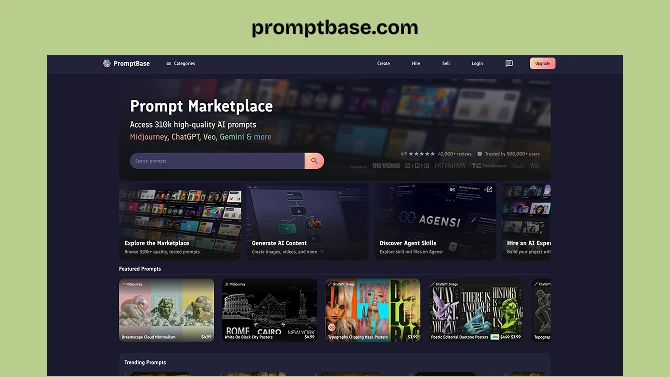
A curated marketplace where prompts run roughly $1.99–$9.99, each manually reviewed before listing, with over 2,300 free samples available to test the waters.
The catch: it is a marketplace, so quality tracks the individual seller rather than the platform. Read the sample outputs and the seller's other listings before buying.
7. prompts.chat — the free text baseline
Best for: text and chatbot prompts, with no account and no product attached.
Better known by its old name, Awesome ChatGPT Prompts: a community-maintained collection of role and task prompts for ChatGPT and other assistants, which has since grown a browsable site in front of the original GitHub repository. No signup, no upsell, nothing for sale. It is the plain-text answer to a plain-text problem, and it remains the sensible first stop for LLM prompting.
The catch: text only, and the format has aged — modern assistants need less roleplay framing than these prompts assume.
Which one, by job
Editing your own photos: start here, then OpenArt for vocabulary.
Generating images from nothing: PromptHero for direction, Civitai if you run Stable Diffusion.
Chat and writing prompts: prompts.chat first, FlowGPT if you want community signal.
A one-off specialist job: PromptBase, after reading the samples.
Questions people actually ask
Are free prompts worse than paid ones?
Not reliably. Price signals effort, not results, and a free prompt with a visible before/after tells you more than a paid one with a gallery. Judge by whether you can see the output, not by what it costs.
Why do prompts stop working?
Because models update. A prompt tuned to a specific version carries assumptions about how that version reads certain words, and those assumptions expire. Libraries that name the model and the date are telling you when to re-test.
Do I need a different prompt for each AI tool?
For image work, usually yes. Editing prompts written for Google's Gemini models transfer reasonably to other editing tools, because they describe a photograph rather than address a specific engine. Generation prompts full of model-specific parameters do not transfer at all.
What makes a prompt actually good?
Specificity in five places: subject, setting, lighting, camera, and style. If any of those is missing the model fills it with an average. That formula, and what to do with it, is covered in the AI photoshoot guide.
The fastest way to test any library on this list: take one prompt, run it on a photo you already have, and see whether the result matches what the page promised. Libraries that show you the result up front make that a short test.