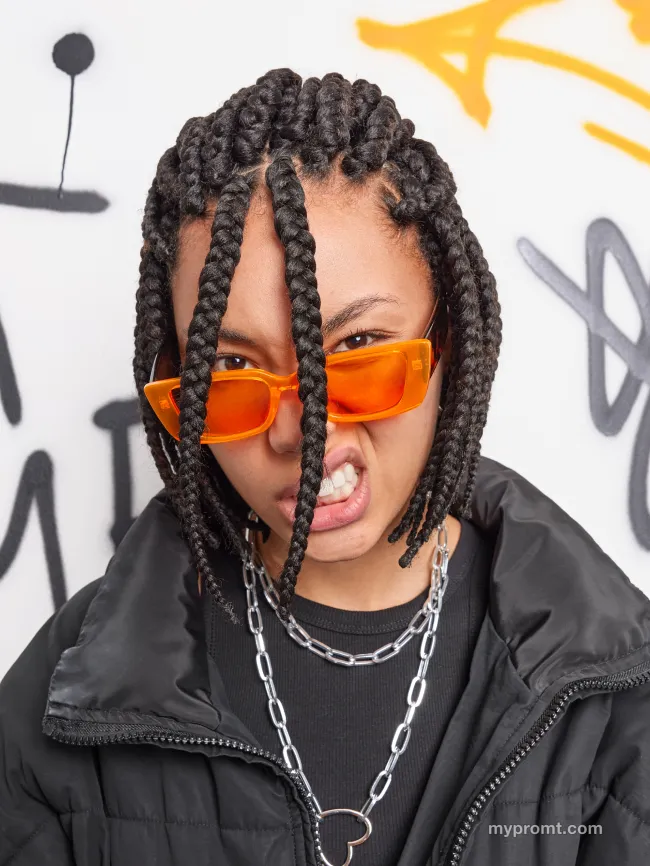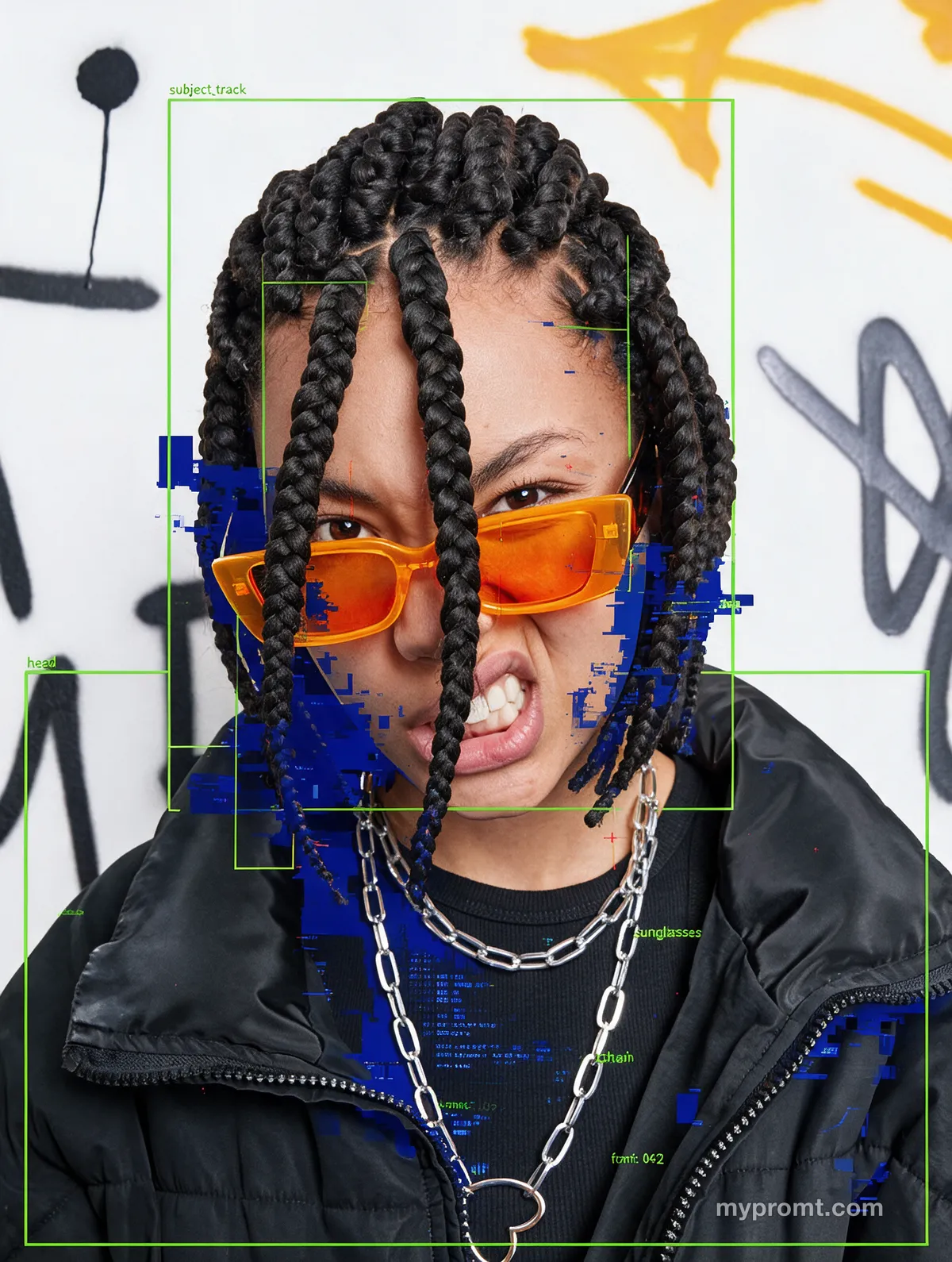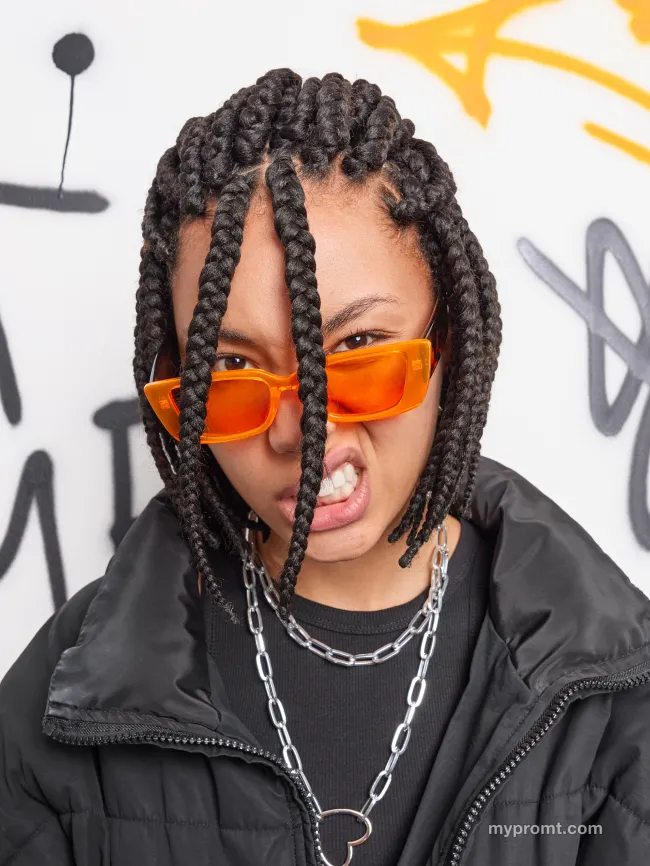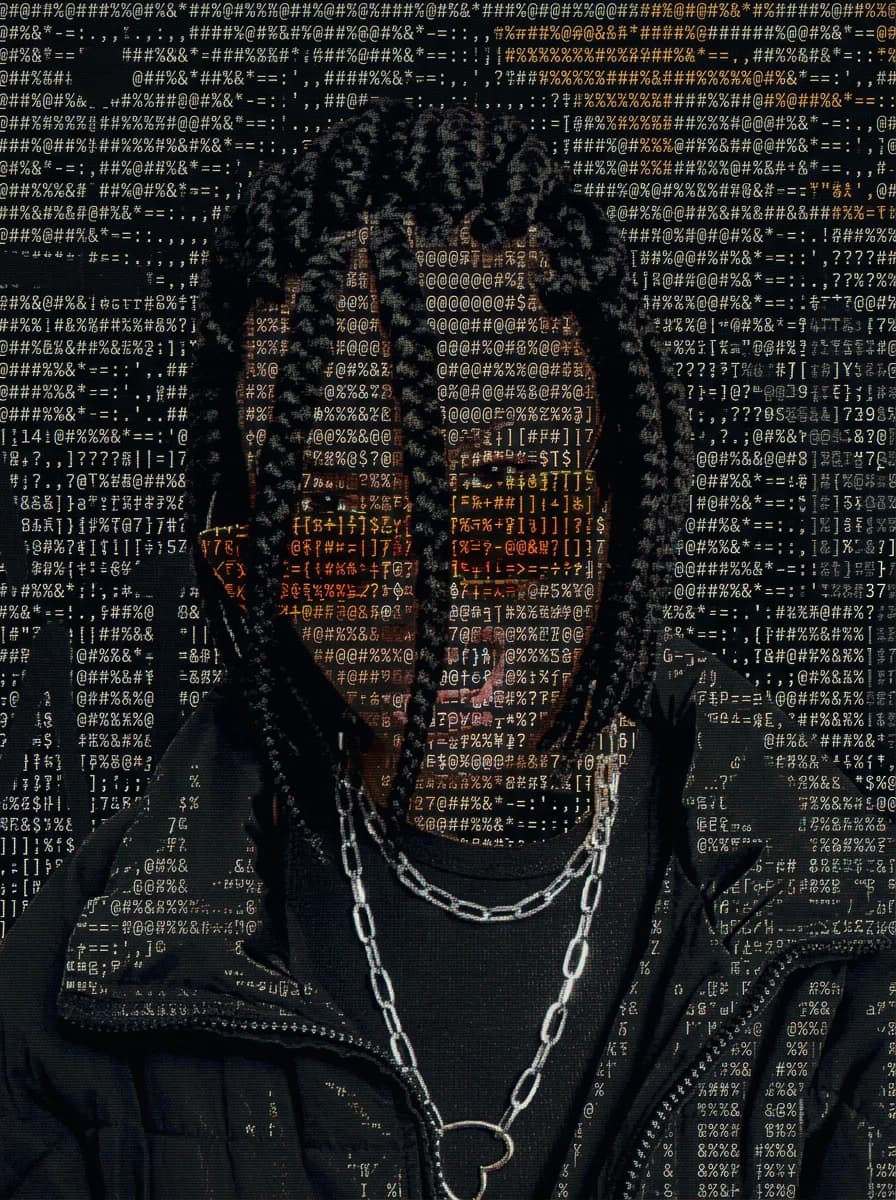
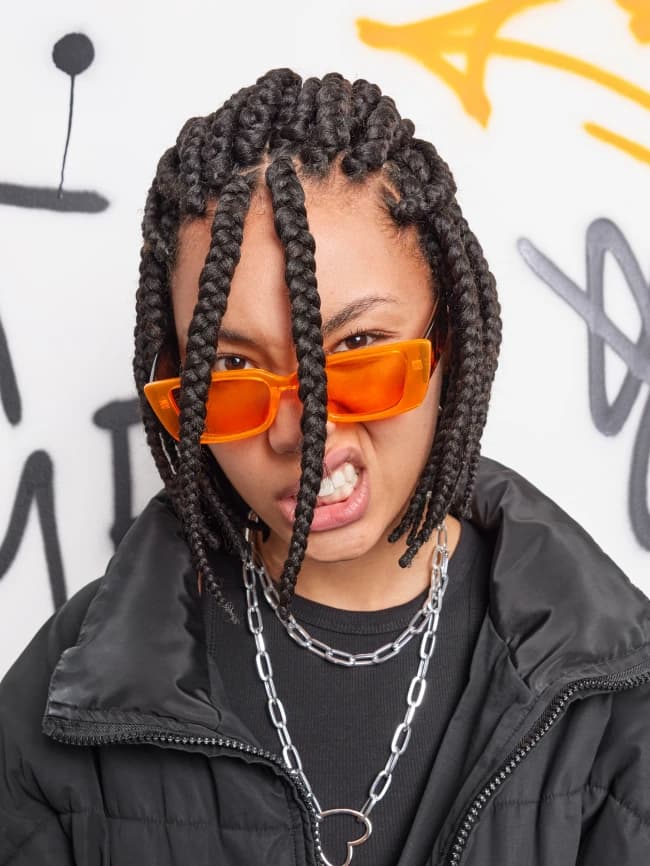
BeforeAfterStylePremium
ASCII character portrait effect
036
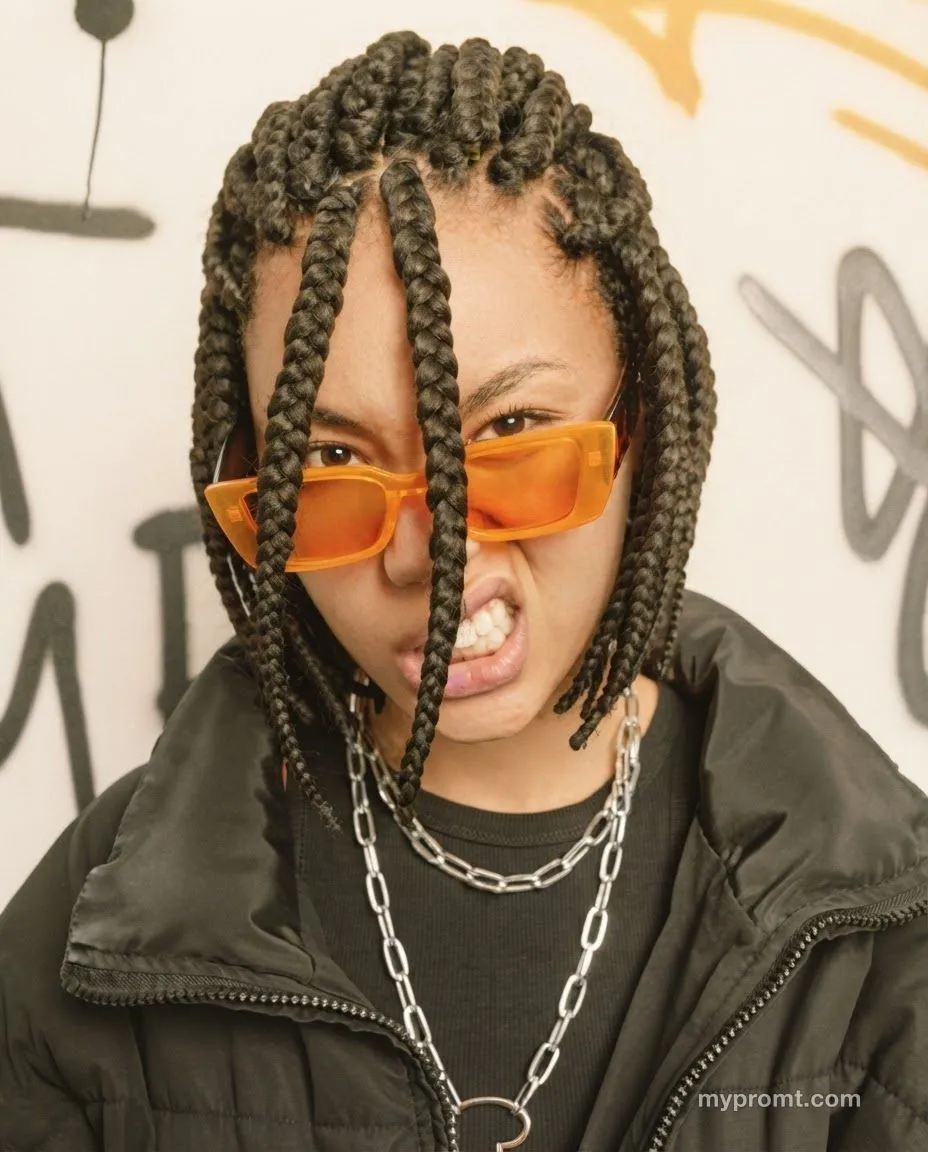
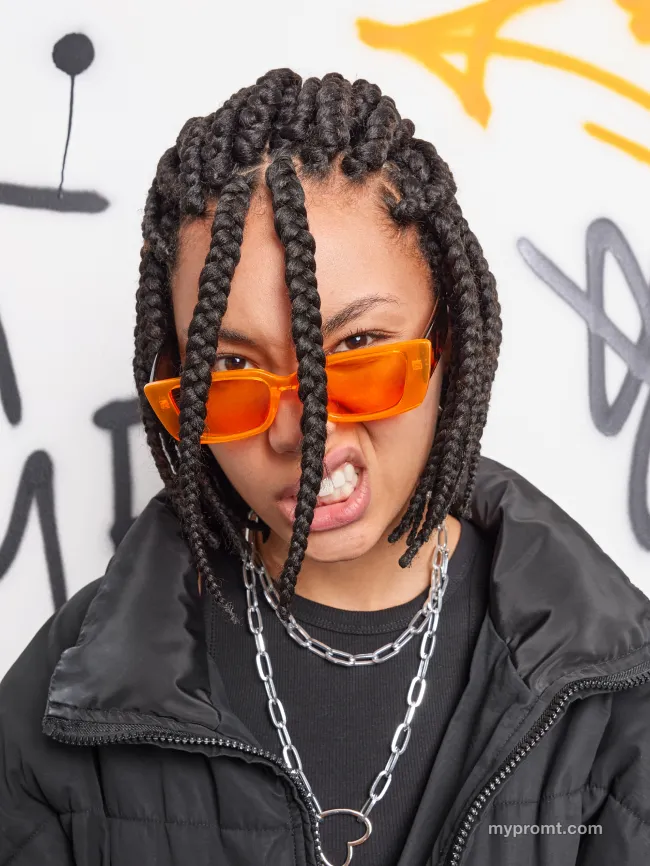
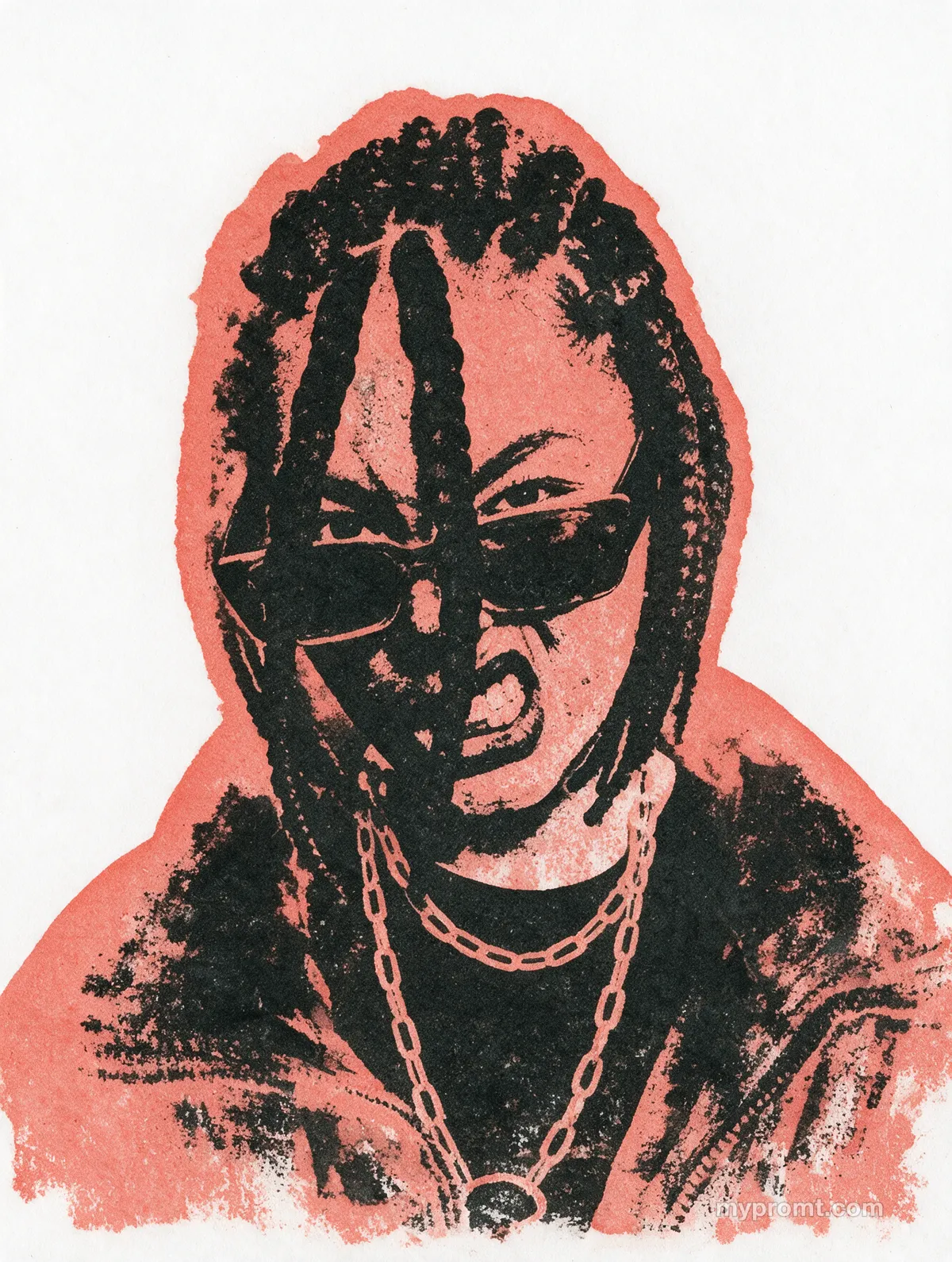
Rebuilds a photo out of small typed monospaced characters — dense glyphs in the shadows, sparse ones in the highlights — so it reads as a portrait from a distance and as text up close.
The full prompt text unlocks with All-Access and stays in your account. Secure checkout via Whop — card, Apple Pay, and Google Pay.
Prompt information
- AI model
- Universal
- Type
- Photo editing
- Prompt length
- 223 words
- Licence
- Commercial use
Tags
asciitext artglitchmonospacedigitalexperimental
How to use
1. Open an AI image model that accepts a reference photo — Gemini (Nano Banana 2), ChatGPT Image or similar. 2. Upload the photo you want to transform. 3. Copy this prompt, paste it next to the image and run it. 4. Replace anything in [SQUARE BRACKETS] with your own choice. 5. If the effect looks too subtle, add "make the effect stronger and more pronounced" at the end. Works best on high-contrast photos — character density is driven by luminance, so a flatly lit image has little to translate. Expect a dense character overlay rather than a pure text render; add the strengthening line and re-run if the glyphs stay faint.
Comments 0
Log in to join the discussion.
- No comments yet — be the first to share how it worked.