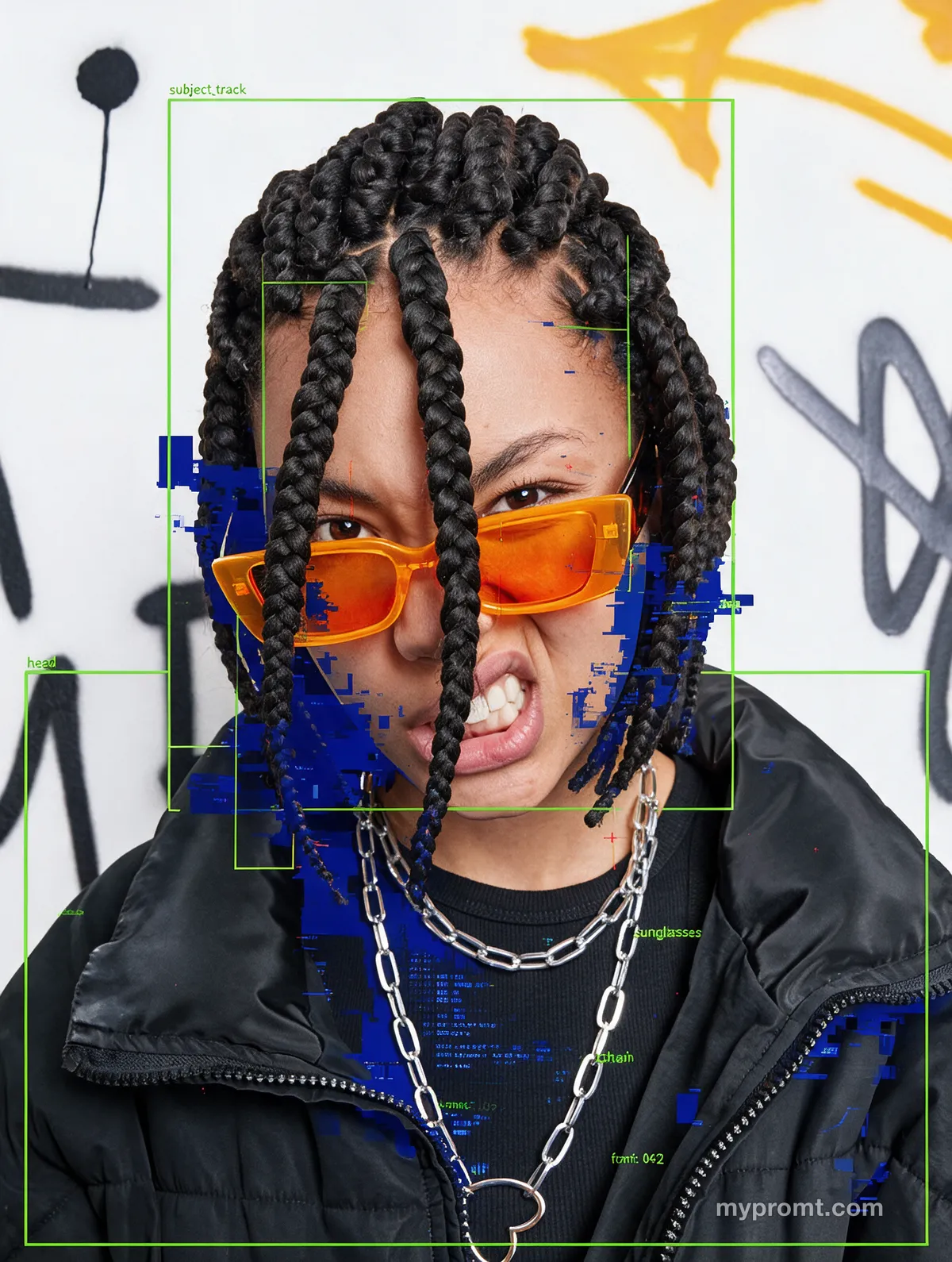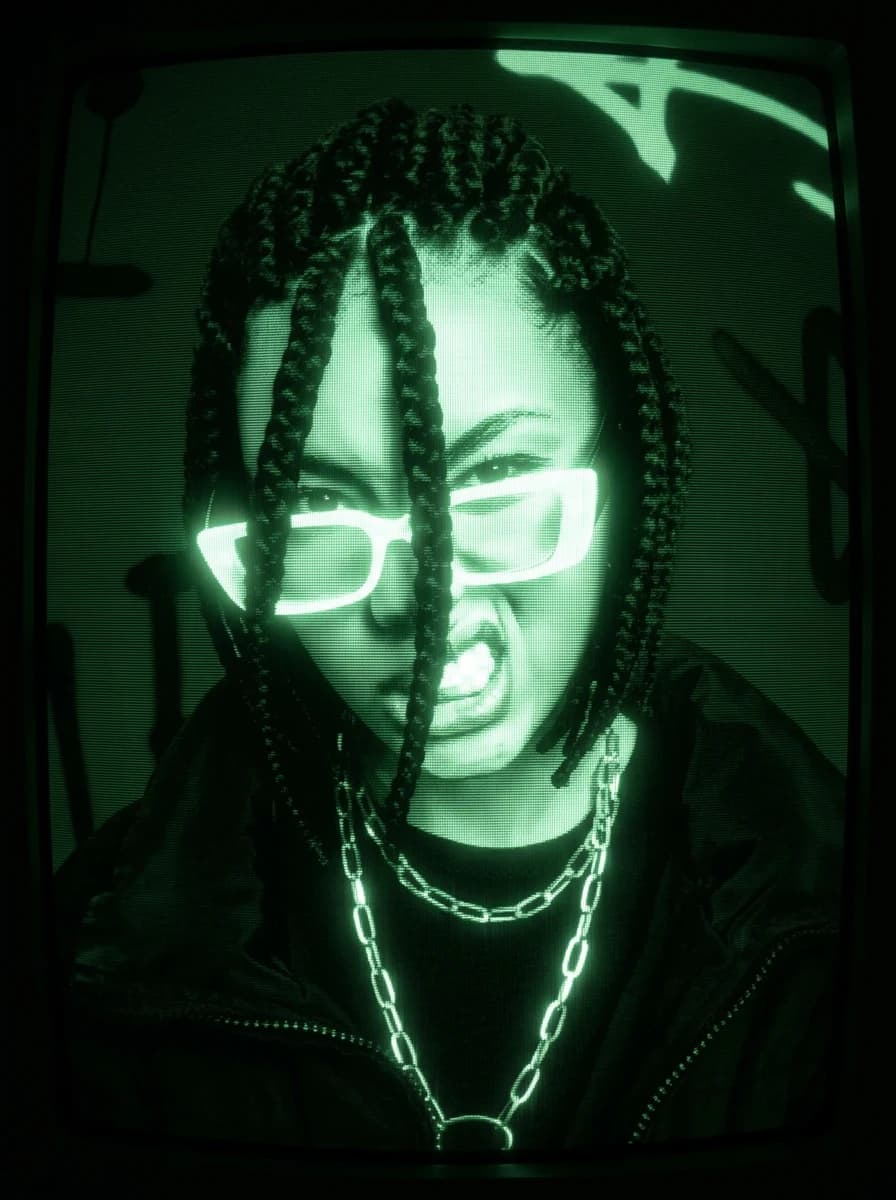

Portrait shown in green phosphor on a CRT monitor with scanlines and heavy vignetteOriginal photo of a young woman in orange sunglasses against a graffiti wallBeforeAfter

StylePremium

CRT phosphor screen effect

02

Displays a photo on an old monochrome phosphor monitor and shoots it off the curved glass: scanlines, green bloom, barrel distortion and shadows crushed to pure black.

The full prompt text unlocks with All-Access and stays in your account. Secure checkout via Whop — card, Apple Pay, and Google Pay.

Prompt information

AI model
Universal
Type
Photo editing
Prompt length
156 words

Tags

crtphosphorscanlinesretro techmonochromegreen

How to use

1. Open an AI image model that accepts a reference photo — Gemini (Nano Banana 2), ChatGPT Image or similar. 2. Upload the photo you want to transform. 3. Copy this prompt, paste it next to the image and run it. 4. Replace anything in [SQUARE BRACKETS] with your own choice. 5. If the effect looks too subtle, add "make the effect stronger and more pronounced" at the end. Start from a brightly lit photo. The prompt crushes shadows to pure black, so an already underexposed source loses the subject entirely.

Comments 0

Log in to join the discussion.

  • No comments yet — be the first to share how it worked.