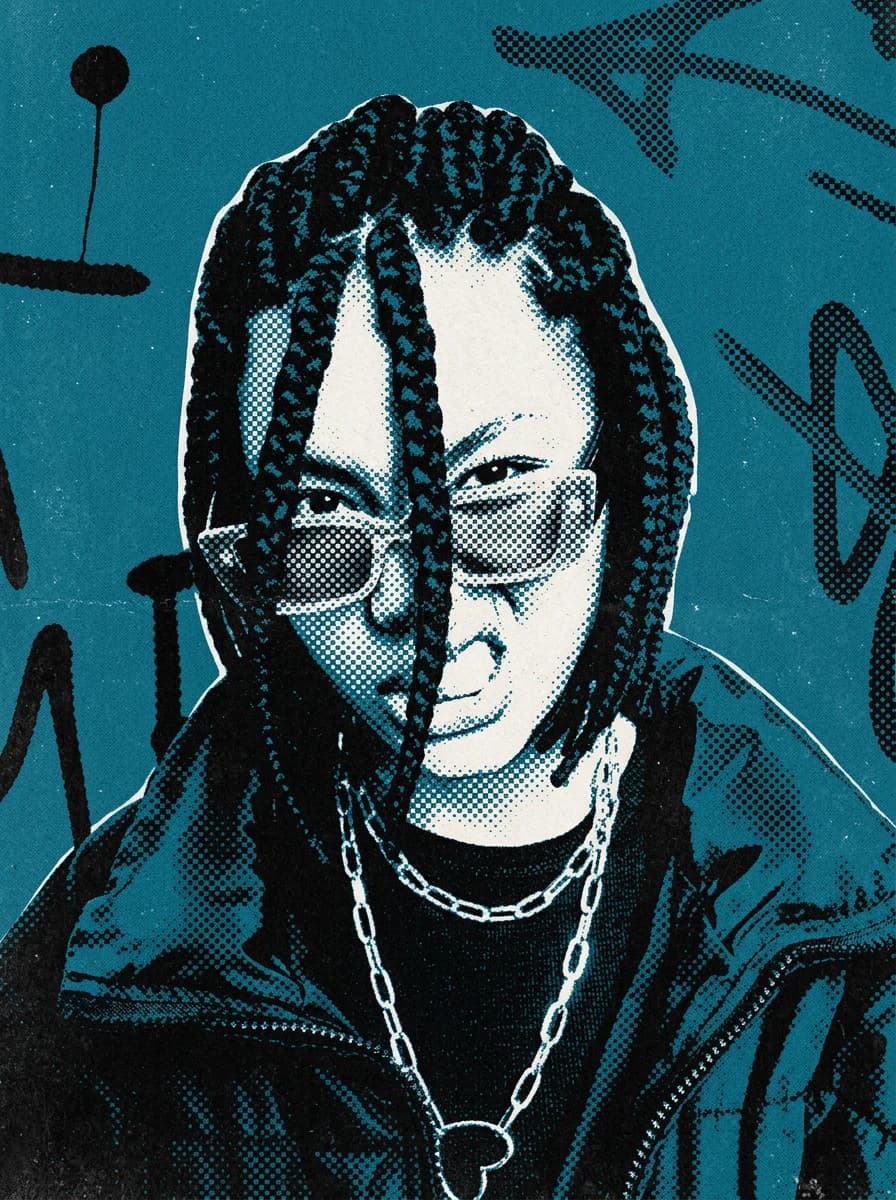
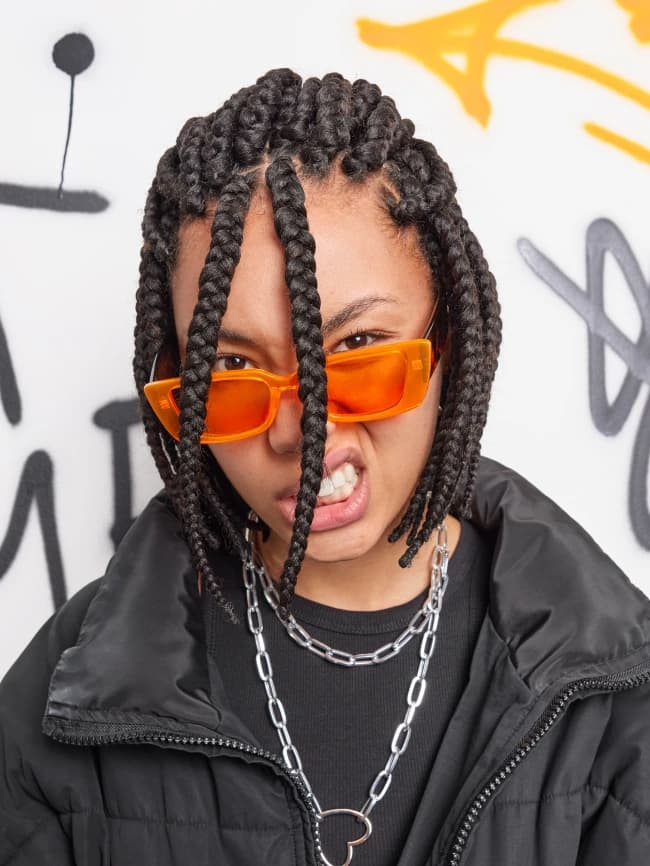
 BeforeAfter
Photo effectsPremium
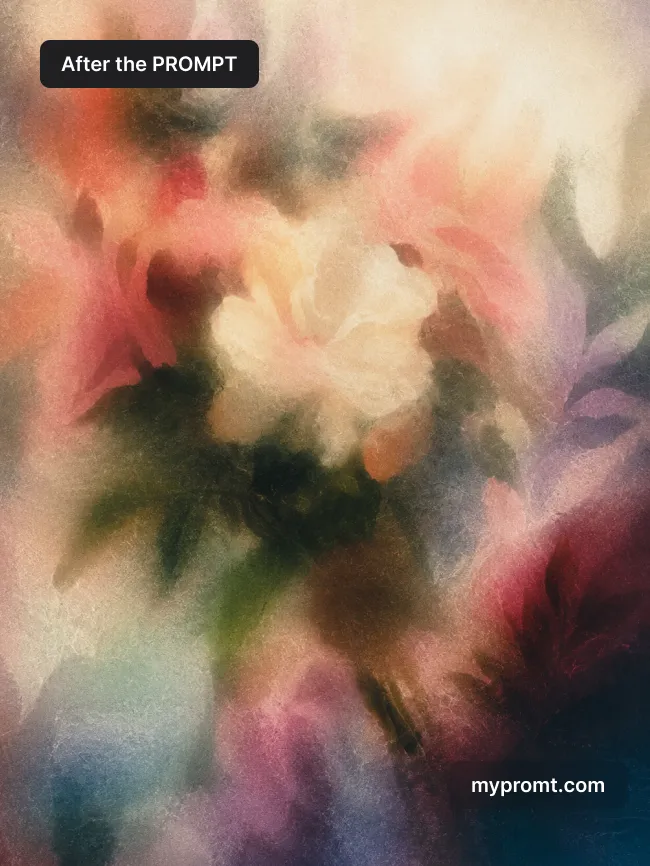
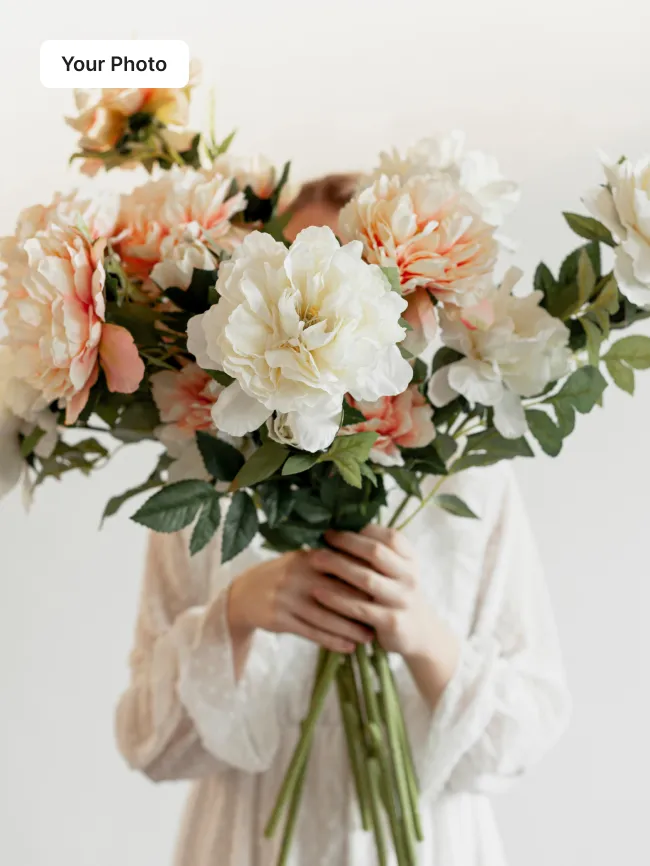
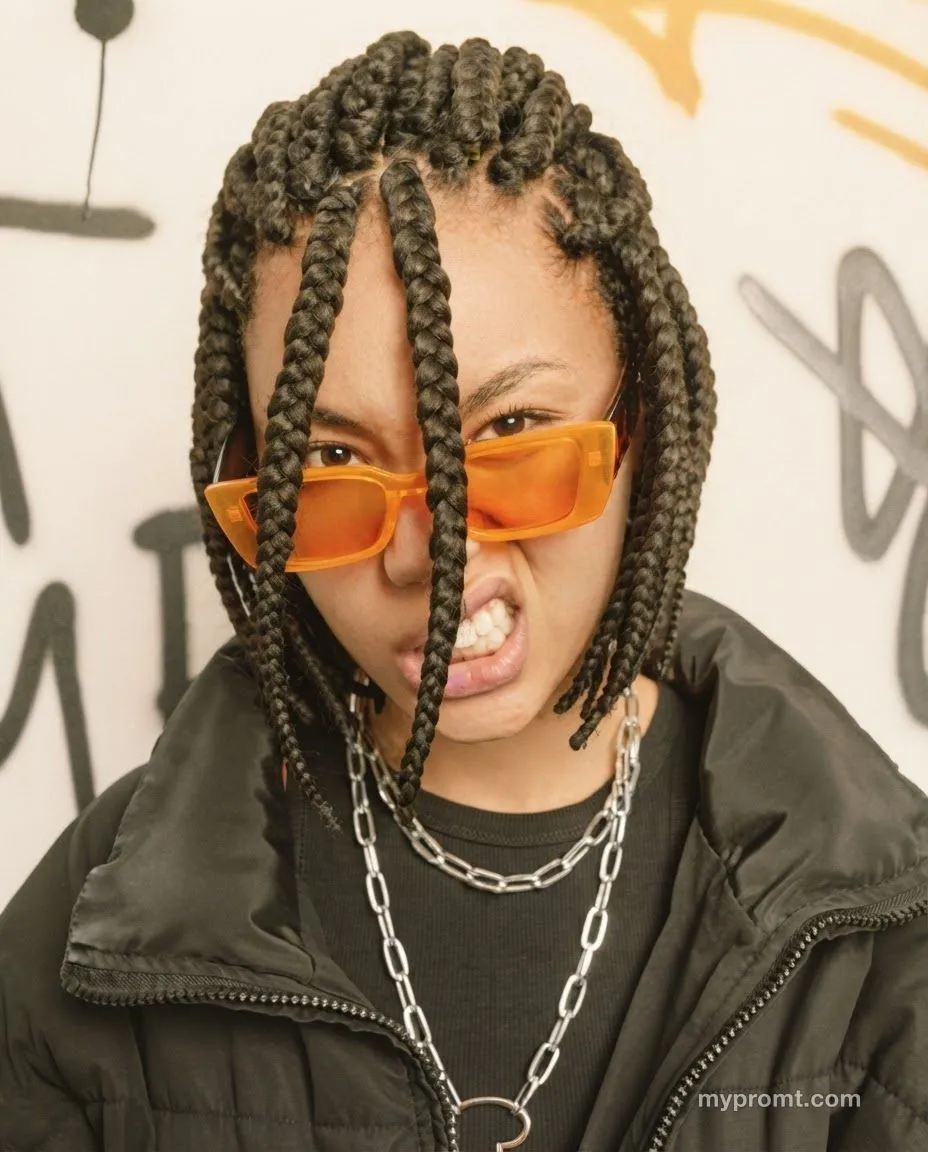
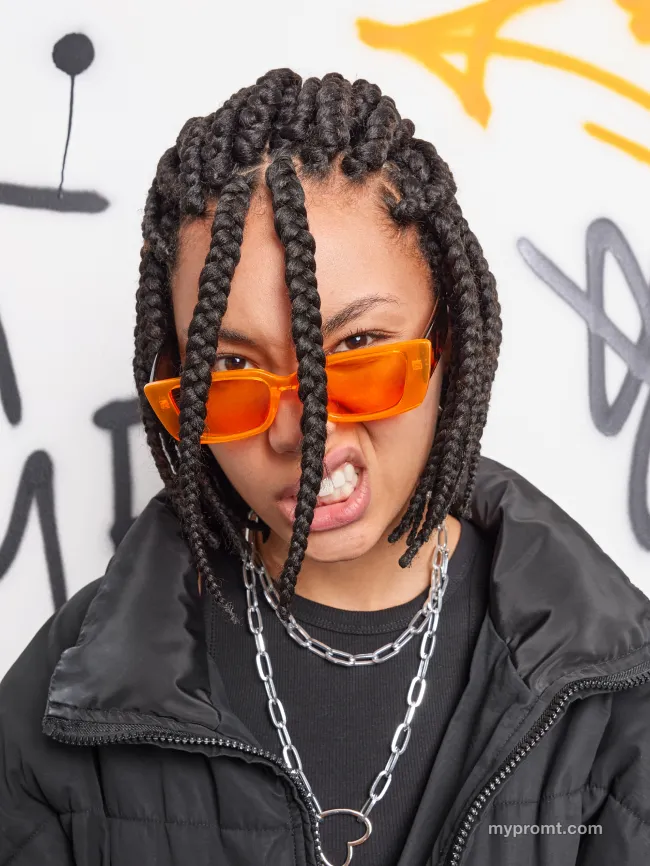
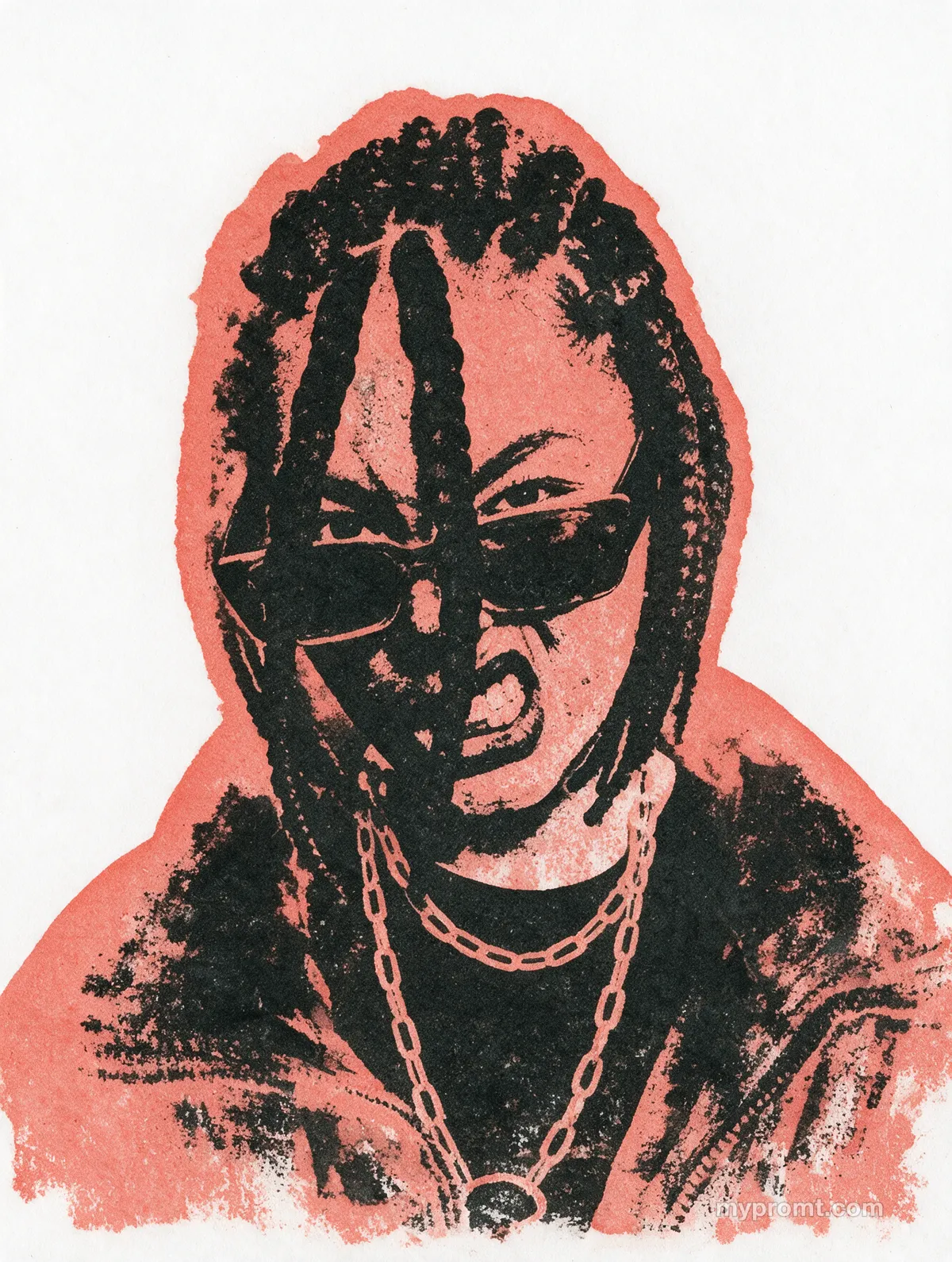
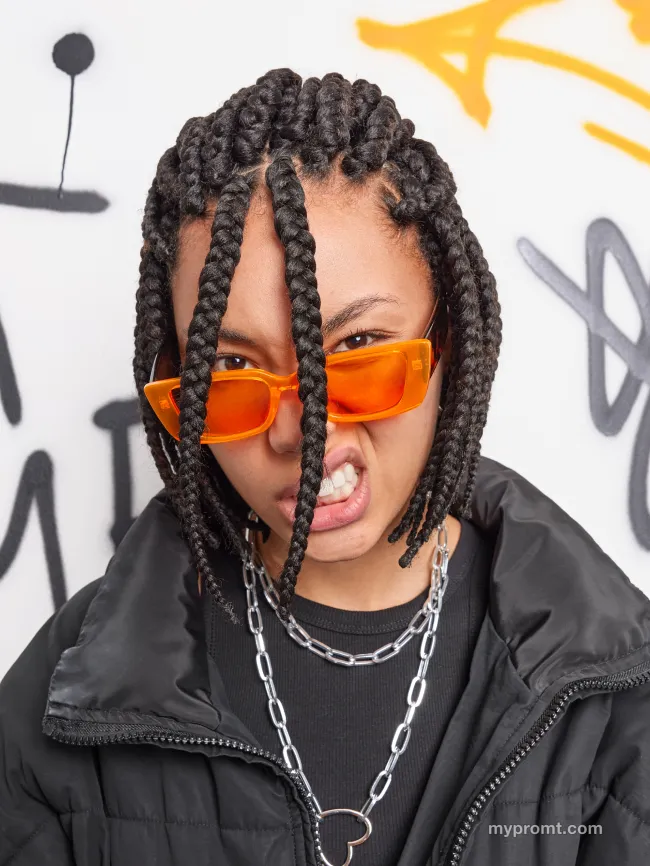
Two-colour halftone print effect
045
Turns a photo into a coarse two-ink screen print with large visible dots, crushed blacks, paper grain and slight misregistration — a 1960s newspaper poster rather than a filter.
The full prompt text unlocks with All-Access and stays in your account. Secure checkout via Whop — card, Apple Pay, and Google Pay.
How to use
Unlock the prompt
Get All-Access to reveal the full text, then copy it with one click.
Open your AI and add a photo
Open ChatGPT, Gemini or any image AI you like, start a new chat and attach the photo you want to transform.
Comments 0
Log in to join the discussion.
- No comments yet — be the first to share how it worked.