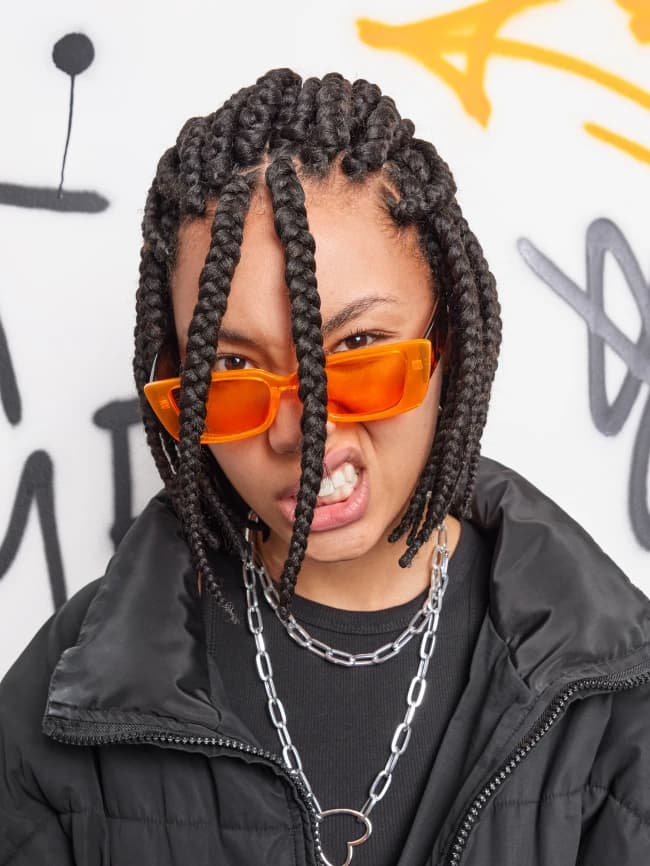
 BeforeAfter
Photo effectsPremium
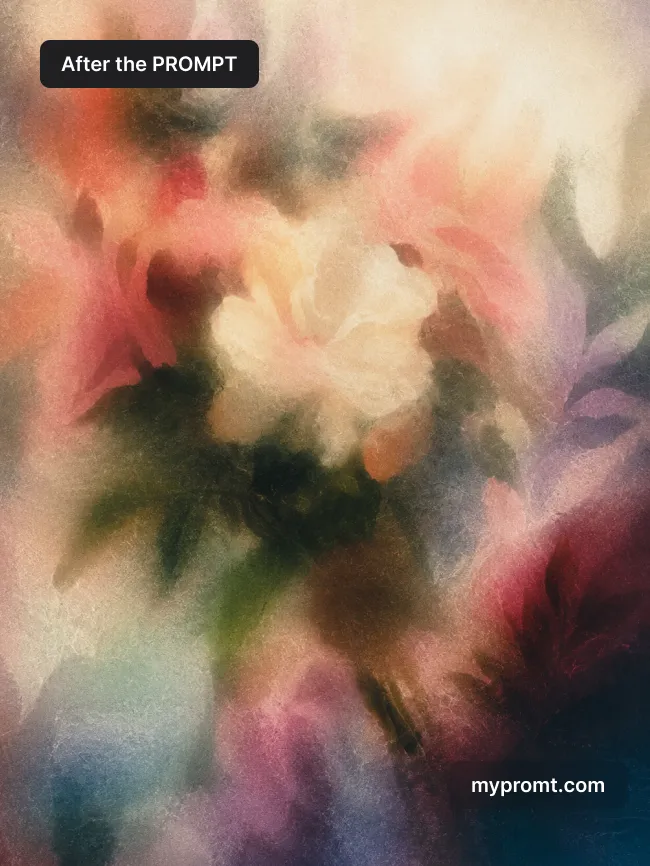
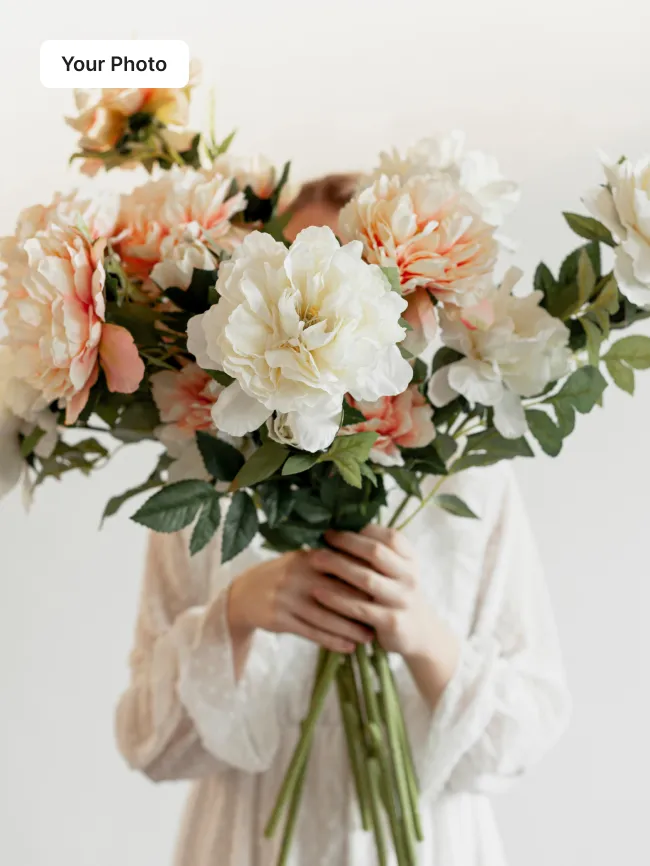
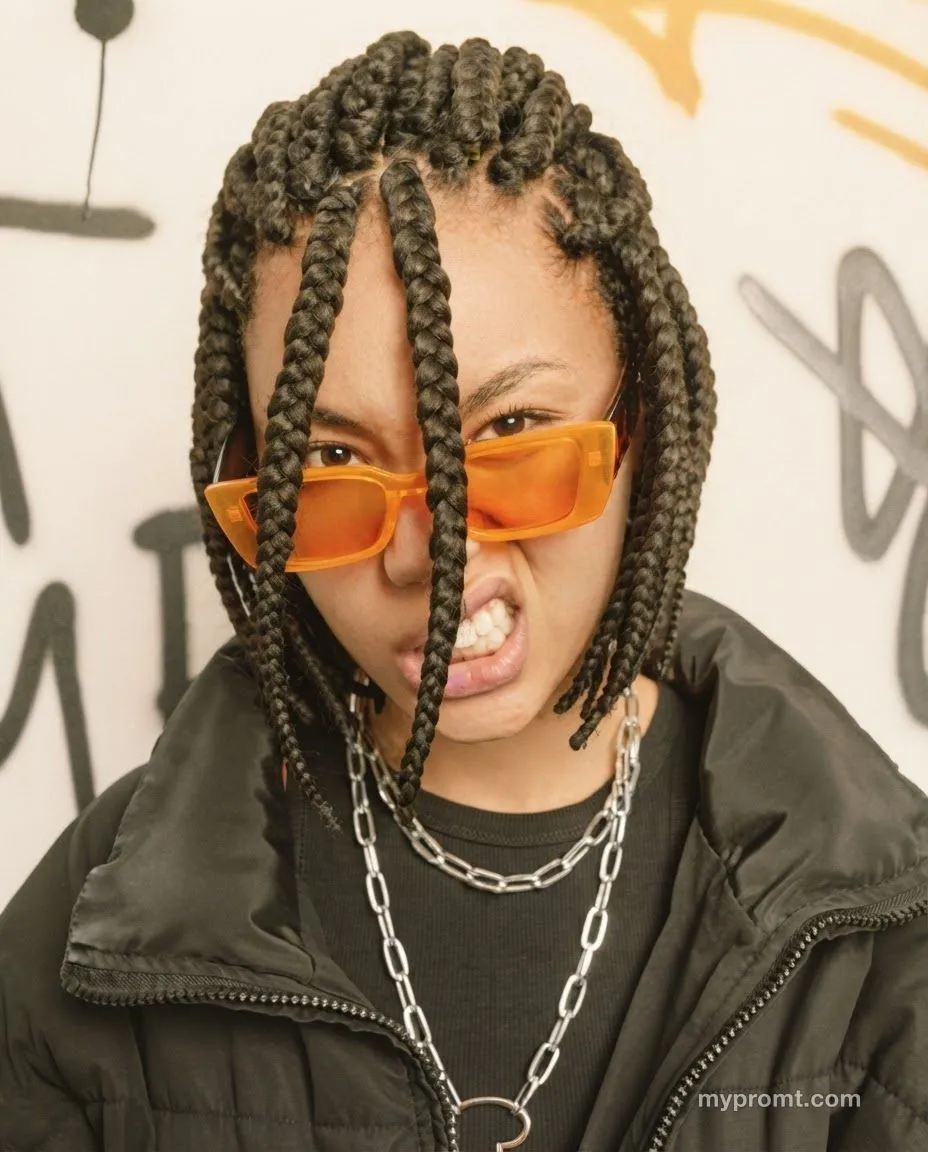
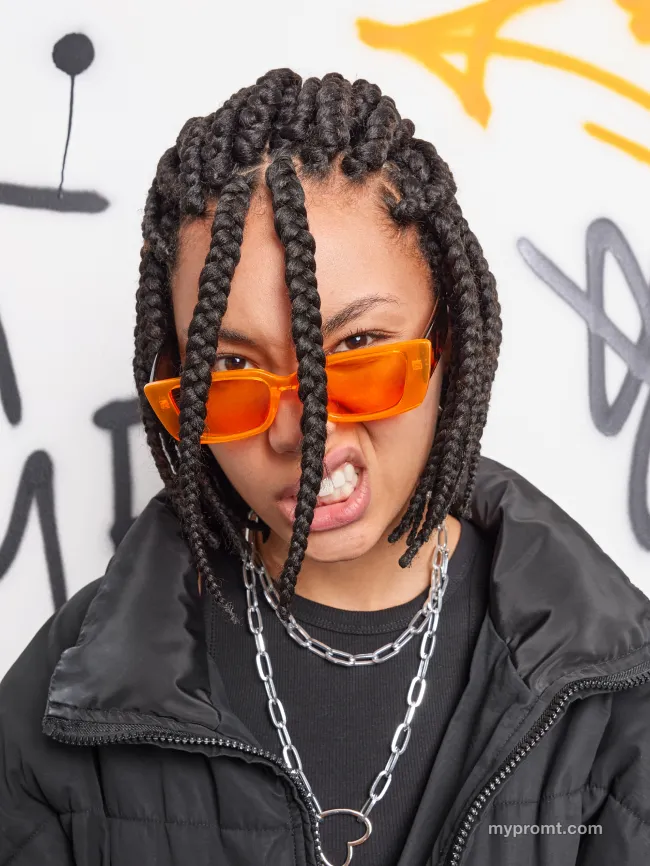
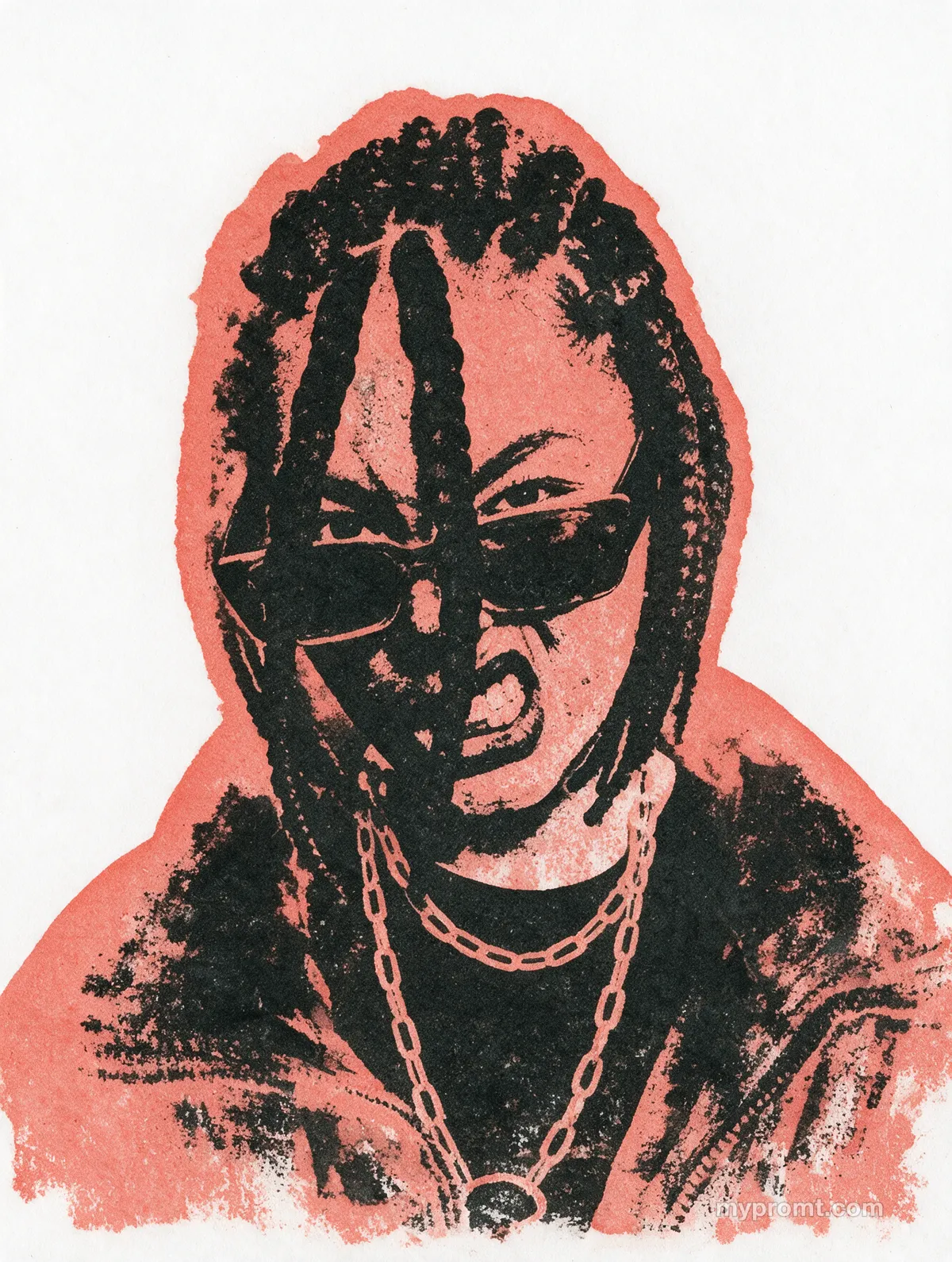
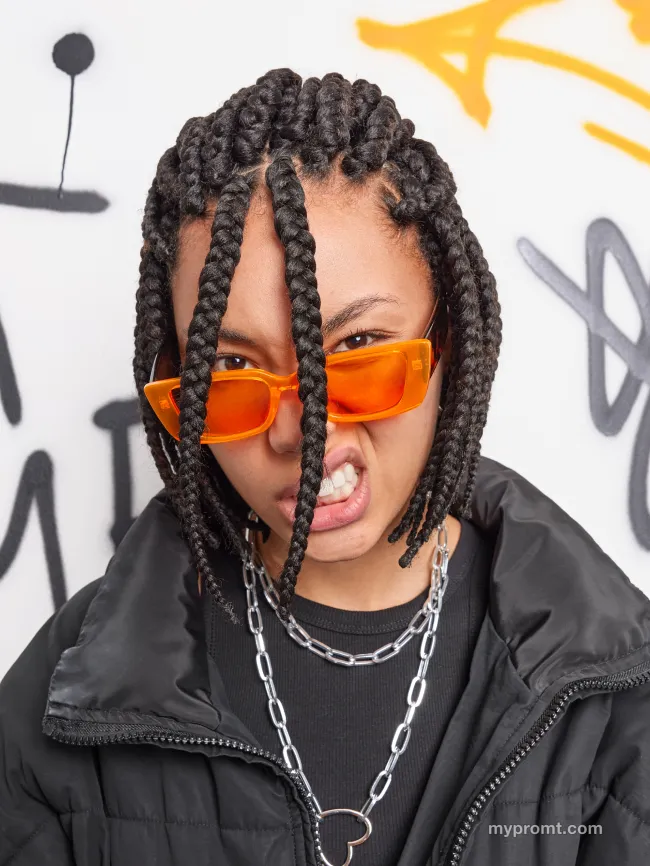
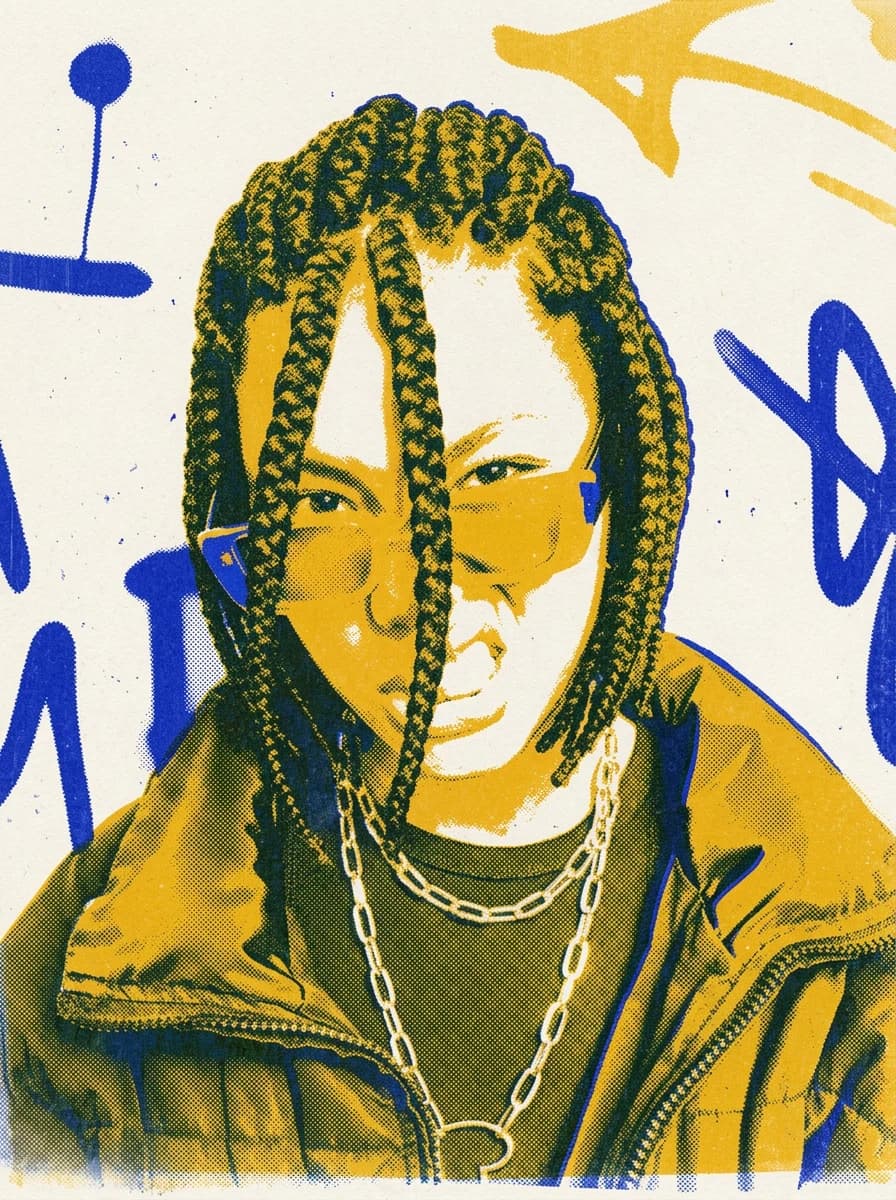
Two-colour risograph print effect
052
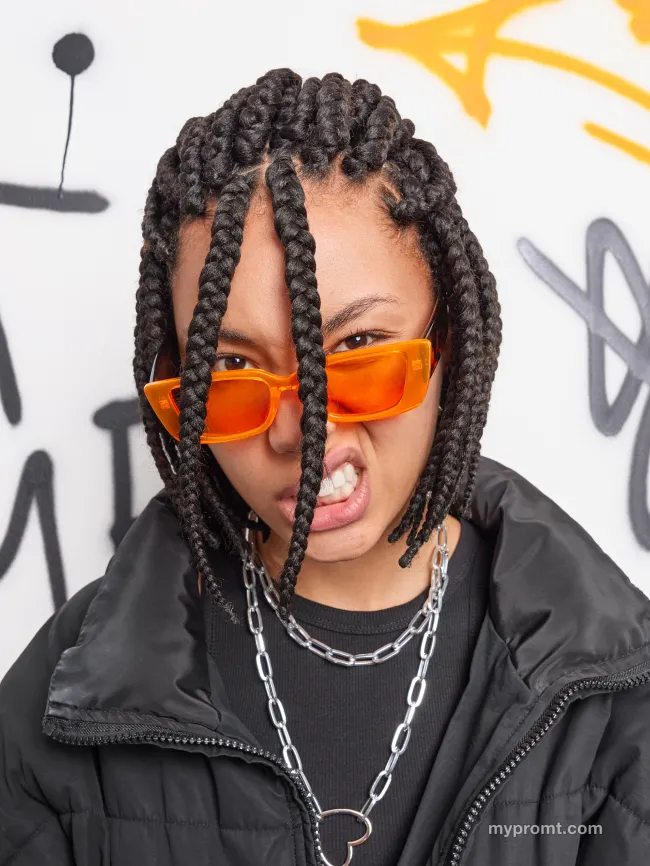
Reprints a photo as a two-ink risograph on uncoated paper: flat posterised colour, coarse dot texture, roller streaks, dust specks and layers offset by a few pixels.
The full prompt text unlocks with All-Access and stays in your account. Secure checkout via Whop — card, Apple Pay, and Google Pay.
How to use
Unlock the prompt
Get All-Access to reveal the full text, then copy it with one click.
Open your AI and add a photo
Open ChatGPT, Gemini or any image AI you like, start a new chat and attach the photo you want to transform.
Comments 0
Log in to join the discussion.
- No comments yet — be the first to share how it worked.