AI Video Ads: How a 10-Second Product Spot Is Written
A video ad prompt is not a description, it is a shot list with timing. Here is the anatomy of a 10-second vertical spot, beat by beat.
mypromt
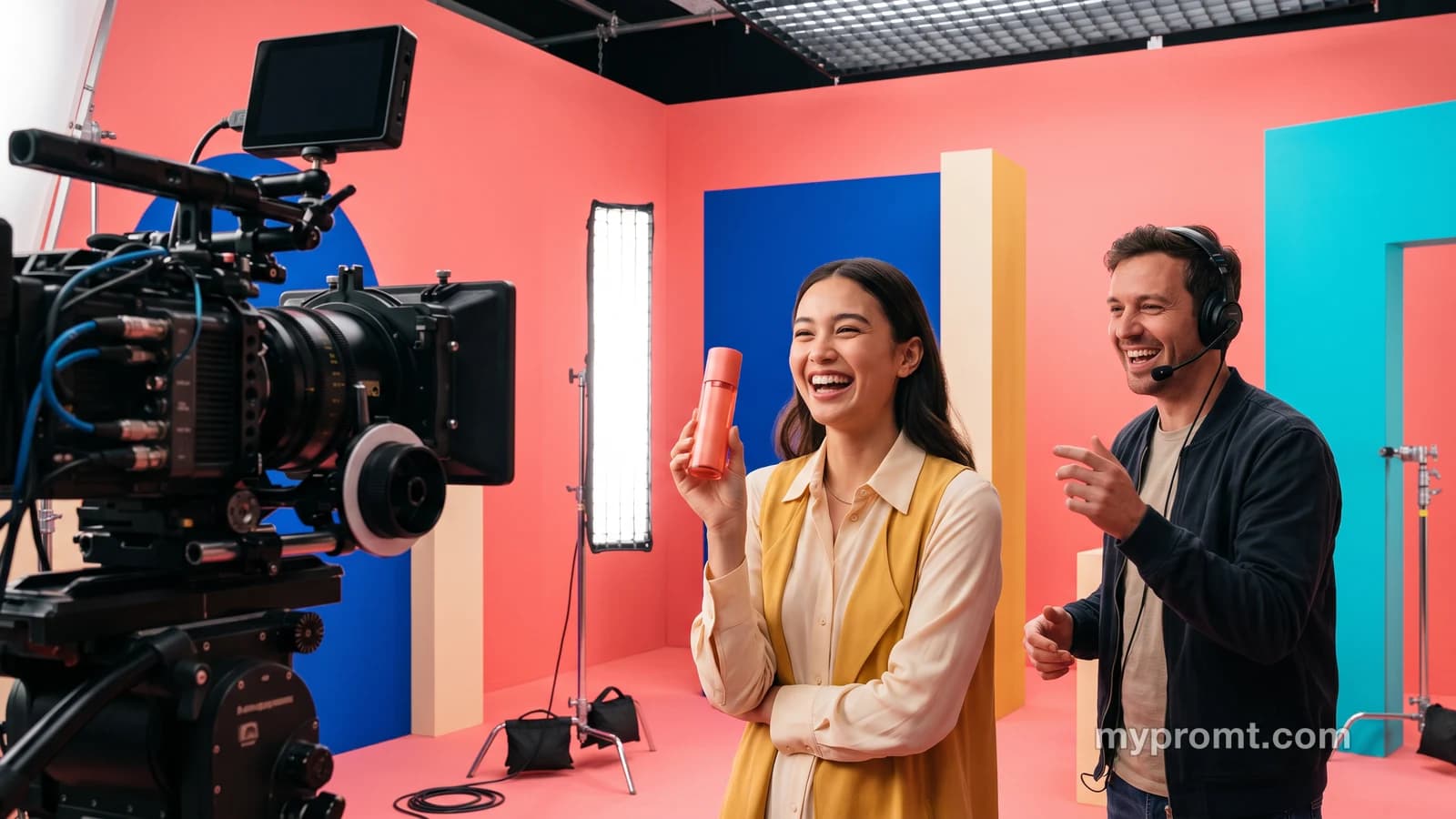
An image prompt describes a frame. A video ad prompt directs ten seconds, which is a different job entirely: things have to happen in an order, the camera has to move for a reason, and the product has to still be the product when the clip ends.
That is why the prompts behind the ads in this library run to roughly 350 words for 10 seconds of footage. About 35 words per second. It looks excessive until you count what a ten-second spot actually contains — four or five beats, a camera move on each, a sound design cue, and a final frame that has to hold the product still long enough to read.
The short version: write a shot list, not a description. Lock the product with a real photo. Spend your words on timing.
Start from your product photo, never from text
This is the one rule that decides whether the output is usable.
Text-to-video invents. Ask a model for "a bottle of shampoo on marble" and you get a beautiful bottle that is not yours: the cap is wrong, the label is a plausible fiction, the proportions are off. For a mood board that is fine. For an ad for a thing you actually sell, it is useless and, depending on what the invented label claims, a problem.
Image-to-video animates what you give it. You attach a photo of your bottle, and the model moves the scene around it. Every ad prompt in this library is built that way — the reference image is the product, and the prompt describes everything happening around it.
The practical consequence is the same as it is for product photography: your source photo carries the work. Sharp, well-lit, label legible, shot against something simple.
The anatomy of a 10-second spot
Every ad prompt here is built from the same five parts.
Beats with timing. Not "the bottle appears and then there is a splash" — the clip is divided into named moments with seconds attached. Four or five is the ceiling for ten seconds. Six beats produce a clip that feels like a trailer for an ad rather than an ad.
A camera move per beat. Push in, whip pan, orbit, crash zoom. Stating the move is what separates a video from a photograph with drift on it. Models now expose dozens of named moves, and naming one is far more reliable than hoping for "dynamic camera".
A lock clause. The same Keep idea that runs through the photo effect prompts: the product's shape, colour and label text stay exactly as supplied, whatever else happens in the frame.
Sound. The current generation of video models produces native audio, so the prompt specifies it: a whoosh on the transition, a liquid pour, a bass drop on the reveal. Left unspecified, you get either silence or generic library music, and you will notice which.
A final frame. The last second is where the product sits still and legible. Ads that end mid-motion do not work, because the one thing a viewer must take away is what the thing looks like.
The five spots in the library
Each one is a complete script, 10 seconds, vertical 9:16, with sound. You attach your own product photo and swap the names and colours.
K-beauty bottles in jelly flowers — three bottles orbit a pastel sky-blue studio with elastic jelly flowers, and a model applies gel on camera. The reference for cosmetics and anything that needs to look soft and expensive.
Luxury men's shampoo commercial — a cold portrait match-cuts to the bottle, the shampoo stretches into liquid ribbons that become hair. Liquid is the hardest material for these models, which is exactly why this one is worth having as a template.
Mannequin comes alive — gloved hands inspect an outfit in close-up, then the mannequin takes the hand and walks toward camera. For apparel, where the garment has to move to mean anything.
Pizza box pops out of a phone screen — the screen stretches like elastic and a real box shoots out at the viewer. The scroll-stopper format: physically impossible, which is the point.
House swipe to floor plan — a house drops onto a plot, the roof slides off to reveal a floor plan that reconfigures itself. Built for property listings, where the job is to explain a space in ten seconds.
They sit in Products, Food, Style and Interior.
Picking a model
The landscape moves monthly, so treat specific names as a snapshot rather than a verdict.
Roughly, the split is this. Models in the Seedance family are the usual recommendation for product work, because they take a product reference alongside the prompt and keep identity across shots. Veo is the common pick for a single polished hero shot with native audio. Kling is strong on motion and material — liquid pours, fabric, reflective surfaces — and gives you start and end frame control, though some versions are silent, so check before you plan a sound cue.
Two honest cautions. Most of the benchmarks circulating — "keeps the subject in 94% of outputs" and similar — are published by the vendors themselves and are not independently verified. And at least one widely recommended model is reported to reinterpret the source image rather than animate it, which is the opposite of what an ad needs, so test on your own product before committing a campaign to it.
The cheap approach works: generate several short variants on a fast model, pick the one whose motion you want, then re-run that version at full resolution.
What usually goes wrong
The product drifts. It subtly becomes a different object partway through — a cap changes shape, a logo migrates. Fix: state the lock clause explicitly, and keep the reference photo sharp.
Too many beats. Ten seconds holds four or five moments. Pack in eight and each one gets a beat and a half, which reads as chaos.
The text melts. Any label or on-screen word is where models still fail. Keep text large and brief, and expect to re-run.
Silence. Native audio has to be requested. A spot delivered silent is a spot you now have to score yourself.
The wrong aspect ratio. Vertical 9:16 for feeds and stories. Shooting 16:9 and cropping later cuts the composition the prompt built.
Common questions
Can I use these for paid ads?
Check the commercial terms of whichever model you run them in, because that is where the rights live — several free tiers explicitly exclude commercial use. Also keep the claims honest: a spot should not show a feature or accessory the product does not have.
How long does one clip take?
Most models land a 5–15 second clip in a few minutes, longer at high resolution. The real time cost is iteration — expect several runs before the motion is right.
Do I need a different prompt for each product?
No. That is the point of a template: the structure, beats and camera moves stay, and you swap the product photo plus the names and colours in the script.
Is ten seconds enough for an ad?
For a feed, yes — it is longer than most viewers give you. The constraint is not length, it is how many ideas you try to fit inside it. One product, one idea, one memorable moment.
The fastest way to see whether this works for what you sell: take your best product photo, run one of the five scripts unchanged, and watch what survives. Whatever stays recognisable is what your prompt actually locked down.